📖 Quick Definition

An animated whiteboard video maker is an online tool that automatically generates hand-drawn, whiteboard-style animated videos from a text prompt, script, or topic — producing frame-by-frame illustrations, synchronized voiceover, and a finished MP4 file without requiring any animation software, drawing ability, or video-editing experience. Modern AI-powered animated whiteboard video makers like Whiteboard Video Maker at whiteboard-video.com handle the entire creative pipeline: scriptwriting, illustration, animation timing, and audio — so creators can focus entirely on the message, not the mechanics.

Whiteboard animation has been one of the most effective video formats for over a decade — and for good reason. The act of watching a hand draw an illustration while a narrator explains a concept activates dual-coding in the brain, making information significantly more memorable than text alone. Educators use whiteboard videos to break down complex topics. Marketers use them to explain products without overwhelming prospects. YouTube creators use them to build engaged audiences. Corporate trainers use them to onboard employees efficiently.

The problem? Traditionally, producing a professional whiteboard animation meant hiring a specialist studio, spending thousands of dollars, waiting weeks for revisions, and still having little creative control. DIY desktop software existed, but it required learning complex timelines, sourcing illustration assets, recording and editing voiceover separately, and manually syncing everything frame by frame — a full-time job in itself.

Whiteboard Video Maker changes that entirely. Our AI-powered animated whiteboard video maker removes every bottleneck. You type what you want to say, and the platform handles the rest — generating a storyboard, drawing each scene in the signature hand-drawn style, layering in a natural-sounding AI voiceover, and delivering a broadcast-ready MP4 you can use anywhere. The result is a professional animated whiteboard video that would have taken a studio days, produced in minutes.
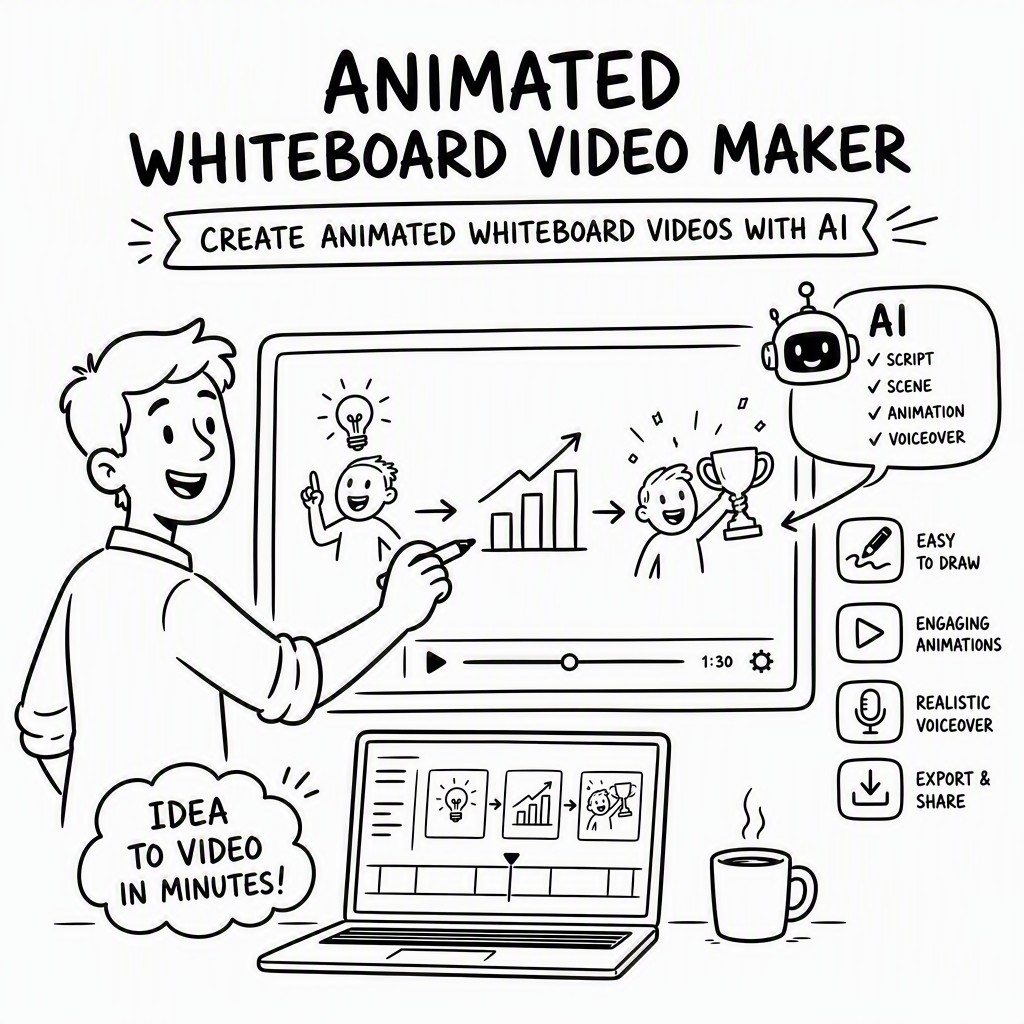
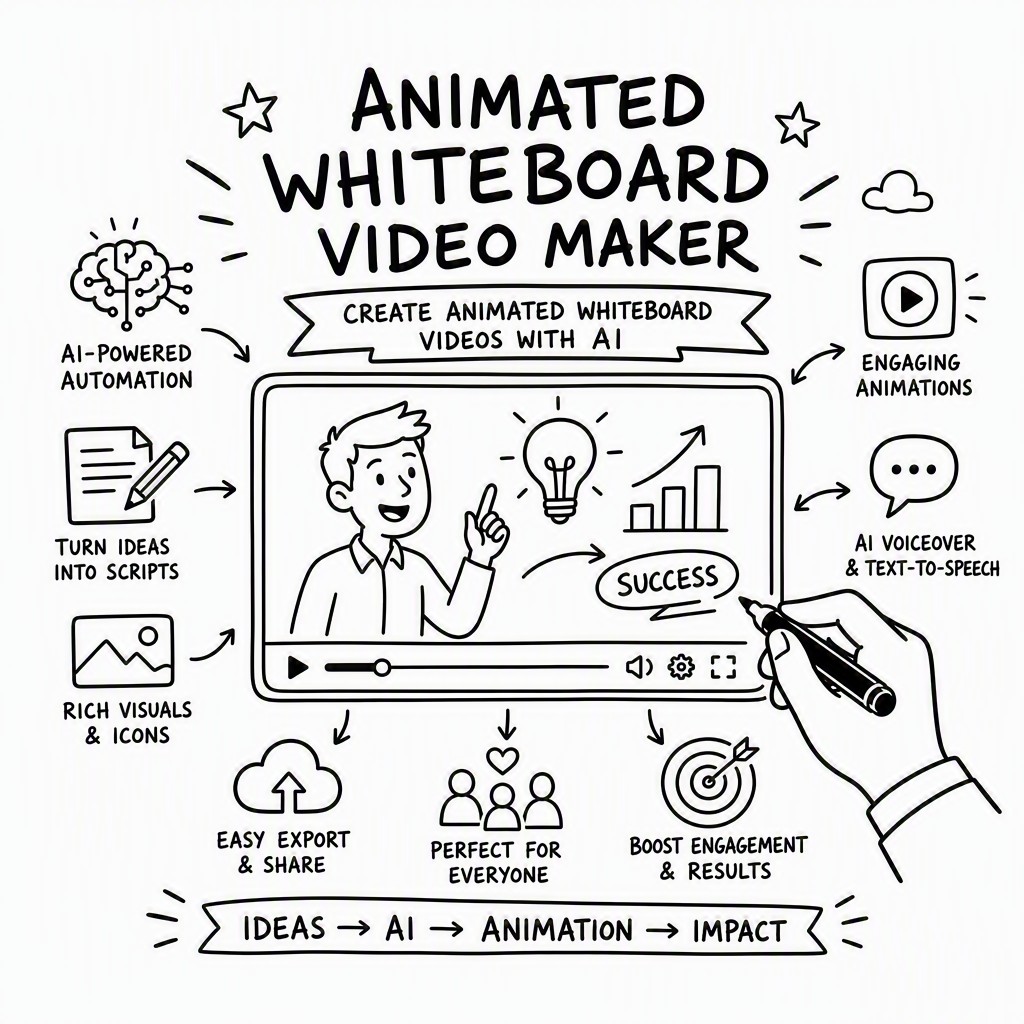
How the Animated Whiteboard Video Maker Works — 4 Simple Steps

From a blank page to a finished, shareable animated whiteboard video in four steps. No prior experience, no software installation, no creative background required.

1

Type Your Prompt or Paste Your Script

Enter a topic, a full script, or even just a rough idea. The AI reads your input, identifies key concepts, and structures a clear narrative arc — or you can write your own script word for word. Either way, you stay in complete control of the message.

2

AI Generates Scenes, Illustrations & Voiceover

Within moments, the engine produces a multi-scene storyboard with unique hand-drawn illustrations for each beat of your script. Simultaneously, a natural-sounding AI voice narrates the content in your chosen language and tone — no microphone needed.

3

Preview, Edit & Customise

Use the visual scene editor to swap illustrations, adjust timing, change the background, tweak voiceover pacing, add background music, and reorder scenes with drag-and-drop. Every element is editable — nothing is locked in.

4

Export as MP4 & Share Anywhere

Hit export and receive a crisp, full-resolution MP4 video ready for YouTube, Instagram, LinkedIn, your LMS, your website, or any platform that plays video. Paid plans include watermark-free exports at HD and Full HD resolution.

AI animated whiteboard video maker dashboard with scene builder and hand-drawn animation preview
Whiteboard video maker scene editor showing character illustrations, text overlay, and voiceover controls

Everything Built Into the Animated Whiteboard Video Maker

Every feature you need to go from idea to polished video is included in one platform — no plug-ins, no third-party tools, no stitching together five different apps.

🤖

AI Script Generator

Describe your topic in plain language and the AI writes a structured, persuasive script optimised for video — with a clear hook, body, and call to action. You can edit every word before the animation begins, or let the AI handle it entirely.

✏️

Authentic Hand-Drawn Animation

Every scene is rendered in a genuine whiteboard style — ink lines appear to be drawn by hand in real time, complete with natural drawing motion. The illustrations are original, contextually matched to your script, and visually consistent throughout the video.

🎙️

Natural AI Voiceover

Choose from a library of lifelike AI voices across multiple languages, accents, and tones — from authoritative corporate narrators to warm educational guides. The voiceover is automatically synchronised to the animation timing, eliminating the need for a recording studio.

🎬

Visual Scene Editor

Drag, drop, reorder, and modify every scene in the intuitive visual editor. Swap out illustrations, adjust how long each scene plays, change the drawing speed, add text captions, and fine-tune transitions — all without touching a timeline or keyframe.

🎨

Backgrounds & Royalty-Free Music

Select from a range of background styles — classic white, dark chalkboard, kraft paper, coloured boards — and pair your video with background music from the built-in royalty-free library. Every audio track is cleared for commercial use on all platforms.

📤

MP4 Export (HD & Full HD)

Export finished videos as standard MP4 files at up to 1080p Full HD resolution. Files are optimised for fast loading on web platforms, LMS systems, and social media. Paid plans remove the watermark and unlock longer video lengths for professional deployment.

Live Examples

Animated Whiteboard Videos Made With This Maker

Real animated whiteboard videos generated by the AI animated whiteboard video maker at whiteboard-video.com. Press play to see the hand-drawn animation quality.

Whiteboard Animation Example
The Untold Story of Lamborghini

The origin story of one of the world's most iconic car brands - told as an AI whiteboard animation, generated from a single text prompt.

Whiteboard Animation Example
What is Artificial Intelligence?

A clear, beginner-friendly explainer on what AI is - a whiteboard animation video made automatically from a prompt.

Whiteboard Animation Example
5 Rules to Build Real Wealth

Five practical rules for building wealth, brought to life as an engaging whiteboard animation with AI script, illustrations and voiceover.

Who Uses an Animated Whiteboard Video Maker?

Whiteboard animation is a universally effective format. Here are the most common ways people use this platform to get real results.

📚

Education & eLearning

Teachers, tutors, and course creators use whiteboard videos to explain complex concepts, bring lessons to life, and increase student retention. Ideal for LMS platforms, flipped classrooms, and online courses.

📣

Marketing & Explainer Videos

Marketers use animated explainers on landing pages, email campaigns, and ad creatives to convert cold audiences. A 90-second whiteboard video can outperform a wall of text every time.

🎥

YouTube & Content Creation

YouTube creators and podcasters repurpose scripts into engaging animated whiteboard videos to grow channels, explain ideas visually, and reach audiences who prefer video over audio or text.

🏢

Corporate Training

HR and L&D teams produce onboarding videos, compliance training, and process explainers quickly and consistently — without relying on an internal video production team or external agency.

📱

Social Media Content

Short-form whiteboard animations perform strongly on LinkedIn, Instagram, and TikTok. The distinctive hand-drawn aesthetic stops the scroll and communicates ideas faster than talking-head clips.

Deep Dive: Why Whiteboard Animation Works for Marketing

The psychology behind whiteboard animation's effectiveness in marketing is well-established. When viewers watch a hand drawing an image, their attention is held because the brain anticipates what will be drawn next — creating a cognitive engagement loop that standard video rarely achieves. This sustained attention means your message lands more completely, and the visual-verbal pairing improves recall.

For B2B marketers especially, whiteboard explainer videos are invaluable on product pages and in sales decks. They can communicate a complex value proposition — one that would take five minutes to read — in 90 seconds of compelling animation. With Whiteboard Video Maker, you can produce one of these videos for every product, every feature, and every audience segment, at a fraction of the cost of traditional video production.

Manual Production vs. AI Whiteboard Video Maker

The gap between traditional whiteboard video production and using an AI-powered maker is enormous — not just in cost, but in time, flexibility, and iteration speed.

❌ Doing It Manually

  • Hiring a specialist animator costs thousands per minute of finished video
  • Production timelines of 2–6 weeks per video
  • Revisions are slow, expensive, and often limited by contract
  • Requires separate voiceover recording, audio editing, and syncing
  • Complex desktop software with steep learning curves
  • Sourcing and licensing illustration assets is time-consuming
  • Scaling to 10, 50, or 100 videos is logistically impossible

✓ With Whiteboard Video Maker

  • Fraction of the cost — free to start, affordable paid plans
  • First draft ready in minutes, not weeks
  • Unlimited revisions within the editor — instant and free
  • Natural AI voiceover generated and synced automatically
  • Zero software to install — runs entirely in your browser
  • Original AI-generated illustrations for every scene
  • Create and export multiple videos simultaneously

Start Free. Scale When You're Ready.

Whiteboard Video Maker is free to start — create your first animated whiteboard video with no credit card required. Upgrade to a paid plan when you need more videos, longer duration, or watermark-free exports.

Free

$0 / month

No credit card needed

  • Create animated whiteboard videos
  • AI script generation
  • Hand-drawn animation engine
  • AI voiceover (limited voices)
  • MP4 export with watermark
  • Up to 60-second videos
Get Started Free

Teams

Custom pricing

For organisations & agencies

  • Everything in Pro
  • Multiple team members
  • Shared brand assets
  • Bulk video creation
  • API access
  • Dedicated account support
Contact Sales

Frequently Asked Questions

Everything you need to know before you create your first animated whiteboard video.

Whiteboard Video Maker is completely free to start — no credit card, no trial countdown. You can create animated whiteboard videos right away on the Free plan. Paid plans unlock watermark-free exports, longer video durations, Full HD resolution, the full voice library, and commercial use rights. Paid plan pricing is displayed on the pricing page at whiteboard-video.com, and you can upgrade at any time directly from your dashboard.
Videos exported on the Free plan include a small Whiteboard Video Maker watermark in the corner. This is removed entirely on all paid plans — Pro and Teams — giving you clean, professional MP4 files you can publish anywhere without attribution. If you're creating videos for commercial use, a paid plan is the right choice.
The Free plan supports videos up to 60 seconds — ideal for social media clips, short ads, and teasers. The Pro plan supports videos up to 10 minutes in length, which covers the vast majority of explainers, educational lessons, training modules, and YouTube content. If you need longer videos for enterprise training or extended content, the Teams plan offers custom length limits. Contact support via whiteboard-video.com for bespoke requirements.
Yes. All paid plan subscribers receive a full commercial use licence covering videos produced on the platform. This means you can publish to YouTube monetised channels, use videos in paid advertising campaigns, deliver them to clients as part of agency work, sell courses that include the videos, and embed them on commercial websites. The Free plan is intended for personal and non-commercial use only. Background music tracks included in the library are also royalty-free and cleared for commercial use on paid plans.
The primary export format is MP4 (H.264), which is universally compatible with every video platform, website, LMS, and social network — including YouTube, Vimeo, LinkedIn, Instagram, TikTok, Facebook, Wistia, Teachable, Thinkific, and more. MP4 files are optimised for fast streaming and minimal file size without visible quality loss. If you need additional formats for a specific integration, contact the support team at whiteboard-video.com.
From entering your prompt to receiving a first draft, the AI typically generates a complete animated whiteboard video in under five minutes, depending on length and server load. A 60-second video is usually ready in 1–3 minutes. A 5-minute video typically takes 4–8 minutes to generate. After the initial generation, you can spend as much or as little time as you like in the editor refining the result — most users are happy with minimal edits and export within 10–15 minutes of starting.
No. Whiteboard Video Maker runs entirely in your web browser — there is nothing to download, install, or update. It works on Mac, Windows, Linux, and Chromebook. All you need is a modern browser (Chrome, Firefox, Safari, or Edge) and an internet connection. Your projects are saved to the cloud automatically, so you can start a video on one device and finish it on another without losing any work.
The default animation style is classic whiteboard — black ink line illustrations appearing to be drawn by a hand in real time against a white background, with smooth, natural drawing motion that mirrors the voiceover narration. You can also switch to a dark chalkboard style, a kraft paper background, or coloured board variants for a different aesthetic. The illustrations are original and contextually matched to your script content — not generic clip art. Watch the example videos above to see the style in full motion before you create your first video.

Your First Animated Whiteboard Video is Three Minutes Away

No design skills. No software. No credit card. Just type your idea and let the AI do the rest. Create your first animated whiteboard video free at whiteboard-video.com.

Get Started Free →