What is a doodle video?
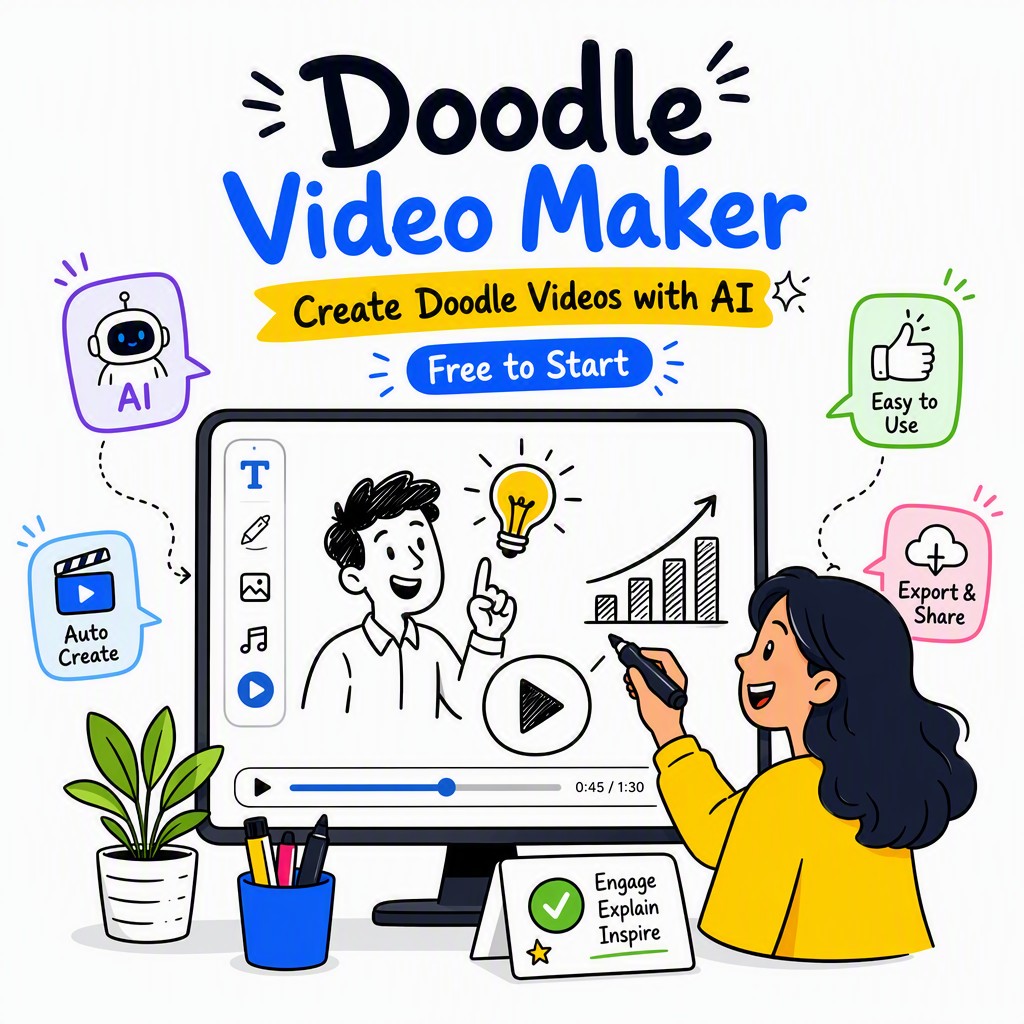
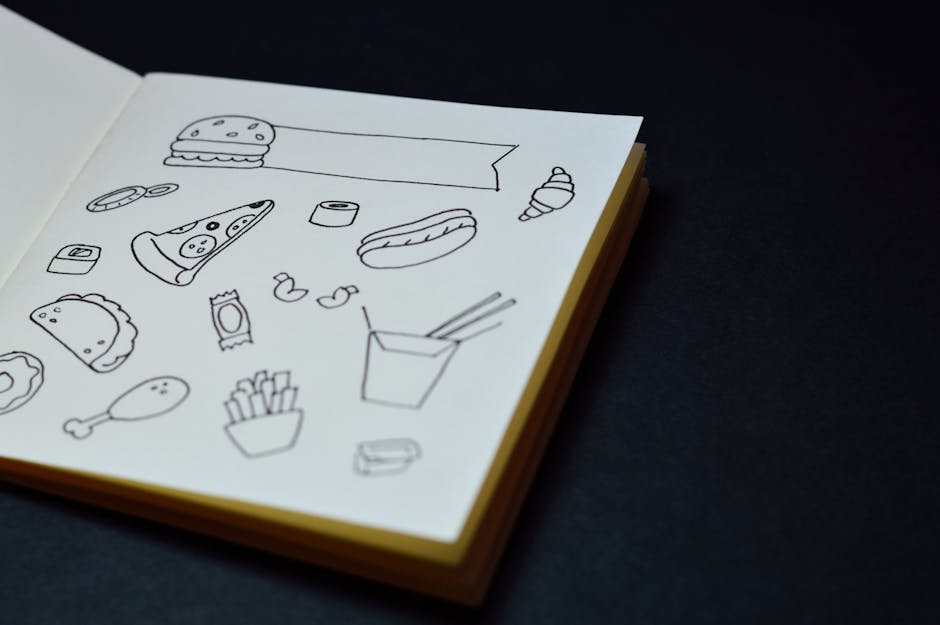
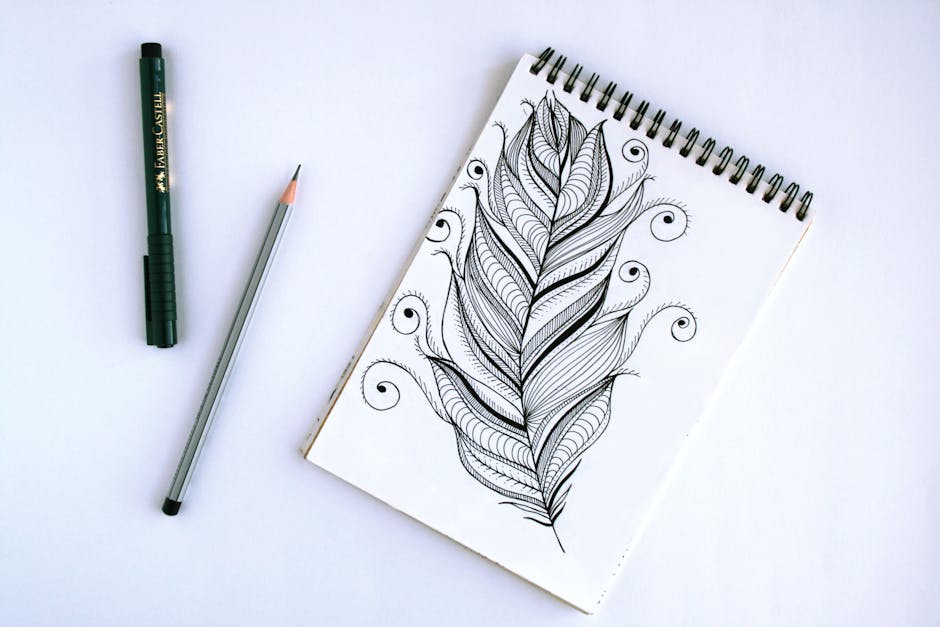
A doodle video is a close cousin of whiteboard animation: simple, hand-drawn sketches appear on screen while a voiceover tells the story. The difference is tone. Doodle videos lean warmer and more playful — looser line art, friendlier characters, a sense that a real person is sketching along with you. That approachability makes them brilliant for explaining friendly brands, education, and anything that could otherwise feel dry.
The hand-drawn motion is the secret. As each doodle is 'drawn' in real time, viewers stay curious about what the finished sketch will become — a tiny hook that repeats every few seconds and keeps them watching to the end.
Why doodle videos hold attention
People are wired to watch things being made. A doodle appearing stroke by stroke triggers that same fascination, which is why doodle and whiteboard videos consistently beat static slides and talking heads on watch time. Combine that with a clear script and you get a video people actually finish.
Doodle videos are also disarming. A polished corporate animation can feel like an ad; a hand-drawn doodle feels like a friend explaining something on a napkin. For onboarding, education and social content, that friendliness converts.

How the AI doodle video maker works
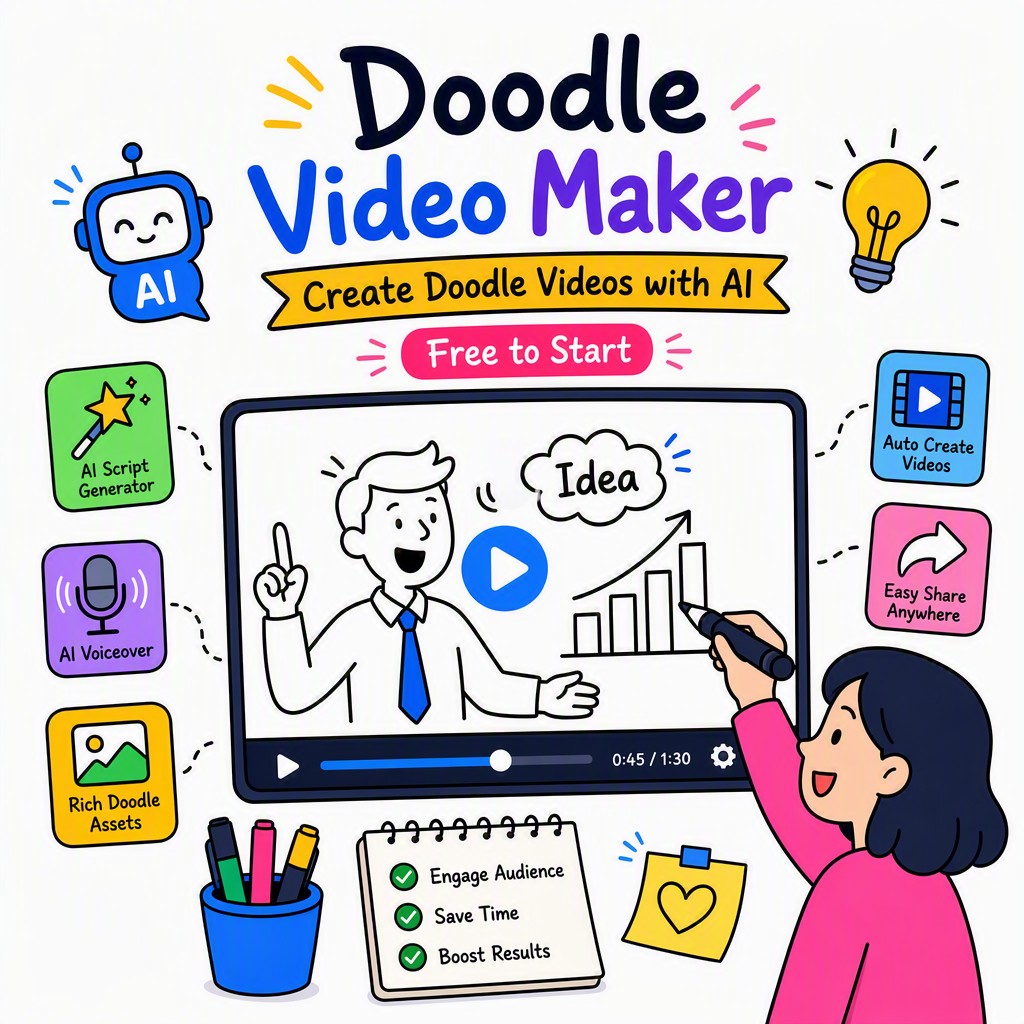
Whiteboard Video does the drawing for you. Start with a prompt, a script, a URL, a PDF or a Word document. The AI writes a doodle-friendly script, breaks it into scenes, generates hand-drawn doodle illustrations for each one, animates them being sketched, and lays a natural voiceover on top.Minutes later you have a finished doodle video as an MP4. Do not like a doodle? Swap it. Want a punchier opening line or a different voice? Edit and re-render. You never touch a pen or a timeline.
Great uses for doodle videos
Doodle videos shine for explainer content with personality: school and course lessons, nonprofit and cause storytelling, friendly SaaS onboarding, social media explainers, and any pitch where you want to feel human rather than corporate.
Have an existing blog post or lesson plan? Feed it to the tool and get a doodle version you can post to YouTube or share in class — no rewrite needed.

Doodle video maker vs old doodle software
Legacy doodle apps make you drag every hand-drawn asset onto a timeline and sync it to audio manually — powerful, but tedious and slow to learn. AI removes that entire step. Instead of assembling a doodle video frame by frame, you describe what you want and the AI assembles it for you.
That means you can make a doodle video in the time it used to take to open the software, and iterate as many times as you like without the busywork.
Summary
Short on time? Here are the essentials of this guide at a glance:
- What is a doodle video?: A doodle video is a close cousin of whiteboard animation: simple, hand-drawn sketches appear on screen while a voiceover tells the story.
- Why doodle videos hold attention: People are wired to watch things being made.
- How the AI doodle video maker works: Whiteboard Video does the drawing for you.
- Great uses for doodle videos: Doodle videos shine for explainer content with personality: school and course lessons, nonprofit and cause storytelling, friendly SaaS onboarding, social media explainers
- Doodle video maker vs old doodle software: Legacy doodle apps make you drag every hand-drawn asset onto a timeline and sync it to audio manually — powerful, but tedious and slow to learn.