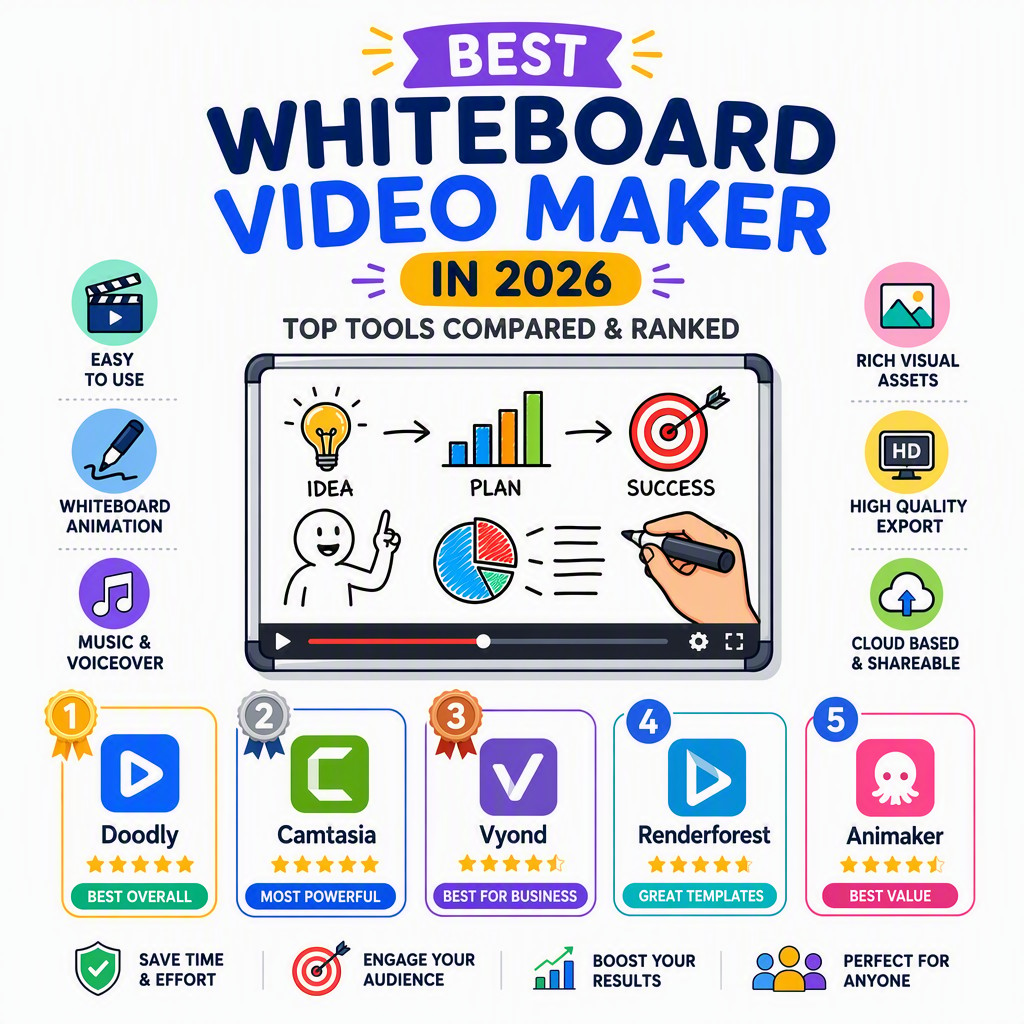
The best whiteboard video maker for 2026, compared
Which whiteboard video maker actually gets you a finished, professional video fastest? We compared the leading options on automation, illustration quality, built-in voiceover and real cost. Here is the ranked verdict.
A whiteboard video maker should do one thing well: turn your message into a clear, engaging hand-drawn video without a huge time investment. The tools differ enormously in how much of that work they do for you.
We ranked the best whiteboard video makers of 2026 on the metrics that decide whether you actually ship a video — automation, art, voice, imports and price — and one tool stands out for removing the manual work entirely.
Quick comparison: best whiteboard video maker
Here is how the top tools stack up on the features that matter most for making a whiteboard or explainer video quickly. Our #1 pick, Whiteboard Video, leads because it automates the parts every other tool still makes you do by hand.
Whiteboard Video
VideoScribe
Doodly
Doodlemaker
Powtoon
AI writes the script
Yes
No
No
Limited
Limited
Illustrations
AI-generated per scene
Stock library
Fixed library
Template scenes
Template assets
Voiceover
Yes, built-in AI voices
Record/upload
Record/upload
TTS add-on
TTS add-on
No manual timeline
Yes — fully automatic
No — manual timeline
No — drag & drop
Partly
No — timeline
Import PDF / URL / Word
Yes (prompt, URL, PDF, Word)
No
No
Limited
Limited
Free, no watermark
Yes
Trial only
No
No
Watermarked
Time to first video
Minutes
Hours
Hours
Hours
Hours
Starting price
Free to start
Subscription
Subscription
One-time / upsell
Freemium
Comparison based on publicly available features at time of writing; competitor features change over time.
The 5 best whiteboard video maker options, ranked
#1
Whiteboard Video★ Our #1 pick
★★★★½ 4.9/5
The AI-first way to make whiteboard videos — it writes, draws and narrates for you.
Whiteboard Video tops the list because it is the only option that generates the whole video from your input. Paste a prompt, a script, a URL, a PDF or a Word document and it writes the script, draws original illustrations, animates them and narrates with a natural AI voice.
You get a finished whiteboard video in minutes, edit anything and re-render instantly, and your first video is free with no watermark. It replaces the scriptwriter, illustrator, animator and voice actor with a single automated pipeline.
Pros
AI writes the script, generates the illustrations and adds voiceover automatically
No timeline or manual assembly — describe it and review the finished video
Import a prompt, URL, PDF or Word doc and turn it into a video in minutes
Genuinely free to start with no watermark on your first video
Cons
Focused on whiteboard and doodle styles rather than 3D or live action
Newer than legacy desktop tools
Best for: Anyone who wants a professional whiteboard or explainer video fast, without manual work. · Price: Free to start
The original whiteboard tool — capable but fully manual.
Powerful and established, but manual to the core — you write, assemble and voice every video yourself. Best if you want granular control and have the time to invest.
Pros
Established, mature whiteboard software
Large hand-drawn image library
Fine-grained manual control
Cons
You write the script and assemble every asset by hand
No AI — slow to produce each video
No document import; every video starts from scratch
Best for: People who want manual control and don't mind the time cost. · Price: Subscription
#3
Doodly
★★★½☆ 3.6/5
Friendly drag-and-drop doodle builder — still hands-on.
An easy drag-and-drop maker for doodle-style whiteboard videos. Friendly, but every scene is built by hand and there is no AI assistance.
Pros
Easy drag-and-drop editor
Good character and prop library
Popular for doodle-style videos
Cons
Manual assembly of every scene
No AI script, art or voice generation
Library repeats once you make a few videos
Best for: Hobbyists who enjoy assembling doodle scenes by hand. · Price: Subscription
#4
Doodlemaker
★★★½☆ 3.6/5
Doodle-video builder with some automation, edited in a canvas.
Includes some automation and language options, yet still relies on in-canvas editing and heavy upsells rather than true prompt-to-video generation.
Pros
Some automation helpers
Multiple languages
Doodle and whiteboard styles
Cons
Still edited scene-by-scene in a canvas
Heavy upsells
No true AI generation from a prompt
Best for: Doodle creators who want light automation inside an editor. · Price: One-time / upsell
#5
Powtoon
★★★½☆ 3.6/5
Template-based presentation and video builder.
More of a general template video maker with whiteboard elements. Quick for templated clips, but manual on the timeline and watermarked on the free tier.
Pros
Lots of templates and styles
Good for quick social graphics
Browser-based
Cons
Template videos can look generic
Manual timeline editing
Free tier is watermarked and limited
Best for: Quick templated social videos and presentations. · Price: Freemium
We evaluated each tool on the factors that separate 'shipped a video' from 'still building one': the degree of automation, the originality and polish of the illustrations, built-in voiceover, the range of inputs it accepts, and the genuine cost including any watermark or revision restrictions.
Because a team's scarcest resource is time, we weighted speed and automation above everything else. A tool that needs hours of hands-on work per clip is costly no matter how cheap the licence looks. We also prioritised tools with a usable, watermark-free free tier over those offering only a locked-down trial.
Why Whiteboard Video is our #1 pick
Every other tool on this list is, at its core, a manual editor. You still write the script, dig through an asset library for each illustration, arrange everything on a timeline, and sync it to audio you record or buy. That is why they all measure their time-to-video in hours. Whiteboard Video removes those steps entirely: you describe the video — or paste a prompt, a URL, a PDF or a Word document — and the AI writes the script, generates original hand-drawn illustrations, animates them, and adds a natural voiceover.
That difference compounds. Because a finished video takes minutes instead of an afternoon, you stop rationing video to one big project a year and start making one for every feature, campaign and audience. Revisions that cost other tools a re-edit — or cost an agency a change order — are instant and free: reword a line, swap an illustration, change the voice, and re-render on the spot.
And it is genuinely free to start. Most 'free' tools on this list either watermark your video or cap it to a useless length. Whiteboard Video lets you create a complete, watermark-free video on the free tier, so you can judge the quality before you pay for anything. For the vast majority of whiteboard and explainer needs, that combination — full automation, original art, built-in voice, real free tier — is why it earns the top spot.
Describe your video or paste a document, and the AI writes the script, draws the illustrations and adds voiceover — free to start, no watermark on your first video.
Whiteboard Video is our top pick because it writes, draws and narrates the whole video automatically, producing a finished result in minutes. VideoScribe and Doodly are strong manual alternatives.
Is there a free whiteboard video maker?
Yes — Whiteboard Video's first video is free with no watermark. Most competitors watermark their free tier or offer only a trial.
Which whiteboard video maker is fastest?
AI tools are fastest by far — minutes versus the hours manual tools require for assembly and syncing.
Can I make a whiteboard video without any skills?
Yes. An AI whiteboard video maker handles the script, illustrations and voiceover, so no design or animation skills are needed.
Do these tools include voiceover?
Whiteboard Video includes natural AI voiceover. Manual tools like VideoScribe and Doodly require you to record or upload your own.