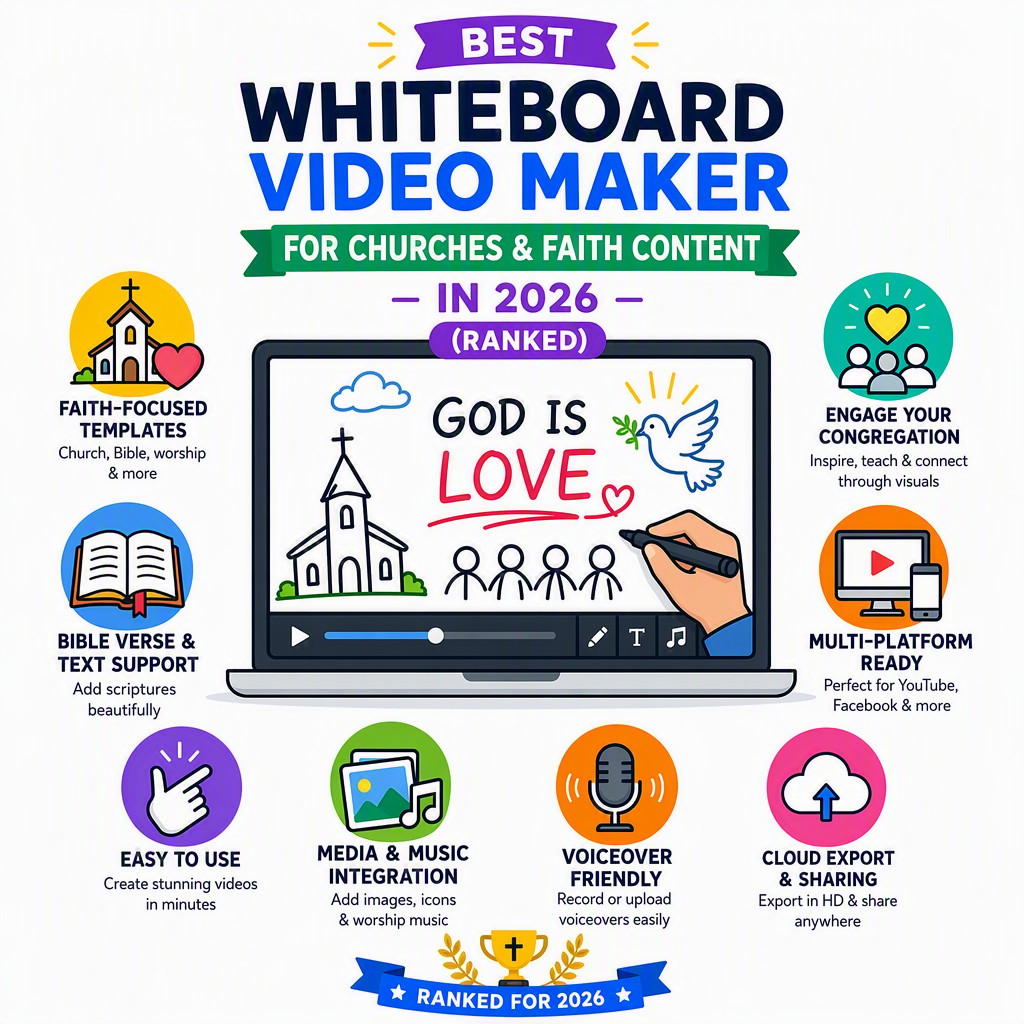
An honest, in-depth comparison of every major whiteboard video tool — ranked specifically for churches, ministries, Sunday schools and faith content creators on any budget.
No credit card needed · First video completely free · Takes under 3 minutes
Why This Guide Exists
Finding the best whiteboard video maker for churches is genuinely harder than it sounds. General-purpose animation tools are built for marketing teams with design budgets, dedicated editors and hours to spare. Churches, mosques, temples, synagogues and independent faith content creators are working with a completely different reality: volunteer coordinators, tight or non-existent production budgets, a pastor who can barely spare 20 minutes between Sunday services, and a Sunday school teacher who has never touched video editing software in their life.
Whiteboard animation — that distinctive hand-drawn style where a pen draws images and text across a white (or dark) canvas — is uniquely powerful for faith content. It strips away visual noise and focuses the viewer's attention on the message itself, which is exactly what you want when explaining a complex passage of scripture, walking a congregation through a sermon recap, or teaching young children a Bible story. The style is culturally neutral enough to travel across denominations and faiths, and it works beautifully as short-form social media content that actually gets watched.
But not every whiteboard tool is built for people who need results fast, cheaply and without a steep learning curve. In this guide we've ranked every major option in 2026 specifically through the lens of faith communities — judging each on AI automation, price per finished video, ease of use for non-designers, multi-language support for diverse congregations, and the ability to get a watchable, shareable video out of the door in a single sitting.
Pastors, deacons and volunteer coordinators are already stretched thin. A tool that requires hours of manual animation work is a tool that never gets used.
Most congregations run on donations and goodwill. A $99/month subscription is a non-starter. The cost per finished video matters enormously.
Sunday school teachers, youth pastors and social media volunteers aren't graphic designers. The tool must be simple enough that anyone can produce a good result.
Many congregations are multilingual. A tool with natural multi-language voiceover lets a single video reach every member, regardless of their first language.
Short, shareable faith content is one of the most effective ways to grow and engage a congregation online. Videos need to be quick to make and mobile-friendly.
Generic stock libraries rarely contain appropriate faith-based imagery. AI-generated, prompt-driven illustration solves this problem elegantly and respectfully.
Quick Reference

All prices current as of 2026. "AI Auto" means the tool writes the script, creates illustrations and adds voiceover automatically from a text prompt — no manual design work required.
| Tool | AI Auto-Generate | Starting Price | Cost / Min of Video | Free Start | Multi-Language VO | Church-Friendly? |
|---|---|---|---|---|---|---|
| #1 Whiteboard Video 🏆 #1 | ✓ Full AI | $9.99/mo or $2.99/wk | ~$0.60–$0.83/min | ✓ No CC needed | ✓ Yes | ✓ Excellent |
| #2 Golpo AI #2 | ✓ AI (limited) | ~$39.99/mo | ~$2.00/min | ✗ Watermarked only | ~ Limited | ~ Pricey |
| #3 VideoScribe #3 | ✗ Manual | ~$15–$42/mo | Varies (time cost) | ~ Trial only | ✗ No built-in VO | ~ Moderate |
| #4 Doodly | ✗ Manual | ~$39–$49/mo | Varies (time cost) | ✗ No | ✗ No built-in VO | ✗ Weak |
| #5 Powtoon | ~ Partial AI | ~$40–$99/mo | High | ~ Very limited | ~ Add-on | ✗ Weak |
The Full Rankings

Each tool is reviewed through a single lens: how well does it serve a church, ministry or independent faith content creator in 2026?
Whiteboard Video Maker is our unanimous #1 best whiteboard video maker for churches in 2026, and the gap between it and every other tool on this list is substantial. The core difference is this: it is the only tool that makes the entire video for you, automatically, from a simple text prompt. You don't drag elements. You don't write a script. You don't source illustrations. You type what you want — "Summarise the Parable of the Prodigal Son for a Sunday school class aged 7–10" or "Create a 90-second recap of this week's sermon on forgiveness" — and the AI writes the script, draws the hand-drawn illustrations and adds a natural-sounding voiceover, all in one pass.
You can feed it a prompt, paste in a PDF of your sermon notes, drop in a document or even provide a URL, and it will generate a complete, polished whiteboard video from that source material. For a volunteer-run church communications team, this is transformative. A video that would take a skilled editor four to six hours to produce manually can be ready in under five minutes. For a Sunday school teacher who has never touched animation software, it means they can walk in on a Tuesday evening and have a finished video ready for the following weekend's class.
Pricing is the other major advantage. At $9.99/month for the base plan — which works out to roughly $0.60–$0.83 per finished minute of video — it is by far the most affordable option for producing real, complete whiteboard videos. There is also a $2.99/week plan for congregations that only need occasional videos, and critically, your very first video is completely free with no credit card required. For a church treasurer who is rightly cautious about new software subscriptions, that no-risk entry point is exactly right.
The multi-language voiceover capability deserves special mention. Many urban congregations today serve members who speak a dozen different first languages. Being able to produce the same Bible story video in English, Spanish, Mandarin, French, Tagalog or any other major language — without hiring a voice actor or recording a separate track — is genuinely extraordinary for a tool at this price point. It means a single piece of content can reach every member of a multilingual congregation with equal clarity and warmth.
Golpo AI is the second AI-native whiteboard video generator on this list and the only tool that comes close to matching Whiteboard Video Maker's core concept: feed it a prompt and get an animated whiteboard video out the other side. For that reason it earns the #2 spot, ahead of all the purely manual tools below it.
However, the pricing gap is stark. The cheapest paid plan on Golpo AI sits at around $39.99/month for approximately 20 one-minute videos — which works out to roughly $2.00 per finished minute of content. That is approximately three times the cost of Whiteboard Video Maker at the same output volume. For a church running on a modest communications budget, that difference compounds quickly. Producing 40 minutes of video content per month — not an unrealistic goal for an active congregation with weekly sermon recaps, Sunday school clips and social media content — would cost around $80 on Golpo versus under $17 on Whiteboard Video Maker.
The free tier on Golpo AI is also a notable friction point for faith communities: the free preview is watermarked and cannot be downloaded, meaning you cannot test the output quality before committing to a paid plan. For a volunteer coordinator who needs to demonstrate value to a church board before requesting a budget line, that is a meaningful barrier.
VideoScribe is the original whiteboard animation tool and still one of the most recognised names in the category. It has been used by educators, nonprofits and faith communities for well over a decade, and its library of hand-drawn assets is extensive. If you need granular, scene-by-scene control over exactly how a whiteboard video looks and moves, VideoScribe is the most mature option for that use case.
The fundamental limitation for churches is the time cost. VideoScribe is a manual tool: there is no AI to write your script, no AI to draw your illustrations, and no built-in voiceover engine. You drag individual elements onto a canvas, set draw order, timing and transitions for each one, record or import your own narration separately, and then render. A polished three-minute video can easily take four to eight hours of focused work for someone who knows the tool well — and considerably longer for a volunteer who is learning as they go.
For a church with a dedicated media volunteer who genuinely enjoys the craft of animation and has the time to invest, VideoScribe can produce beautiful results. But for the majority of faith communities — where the person making videos is also running the sound desk, updating the website and ordering the communion supplies — the time investment is prohibitive. Pricing is more accessible than Doodly or Powtoon at the lower end, but the absence of any AI automation is a significant handicap in 2026.
Doodly takes a drag-and-drop approach to whiteboard and doodle-style animation. You choose from a library of pre-drawn characters and props, place them on a scene, set the draw animation order and add your own narration. The interface is friendlier than VideoScribe for complete beginners, and the asset library covers a range of everyday topics.
For faith content specifically, Doodly's asset library has historically been generic — you'll find office workers, arrows and lightbulbs more readily than imagery appropriate for a Bible story or a sermon illustration. There is no AI to write a script or generate custom illustrations from a prompt, which means you are limited to what is already in the library. The monthly cost of $39–$49 is also significantly higher than Whiteboard Video Maker for what is, in 2026, a less capable product in the AI era. Without a free trial that lets you download a finished video, there is real risk in committing to a subscription before you know whether the tool meets your congregation's specific visual needs.
Powtoon is a well-established animated presentation platform that has added some AI features in recent versions. It covers a broad range of animation styles — including some whiteboard-adjacent templates — and is used by businesses, educators and marketers worldwide. It is a capable general-purpose tool, and we include it here because some churches have used it for explainer-style content.
However, Powtoon is fundamentally not a dedicated whiteboard video maker, and it is certainly not built with faith content creators in mind. The AI features are add-ons to a template system rather than a true text-to-video engine, meaning you still do significant manual work to produce a finished video. The pricing is the highest on this list, starting at $40/month and scaling to $99/month or more for features that most church volunteers won't need. At those price points, you could run a Whiteboard Video Maker subscription for four to ten months and produce dozens of complete, AI-generated videos for the same cost. Powtoon may suit a church that already subscribes for corporate presentation purposes, but as a standalone recommendation for faith video content, it ranks last.
See It In Action

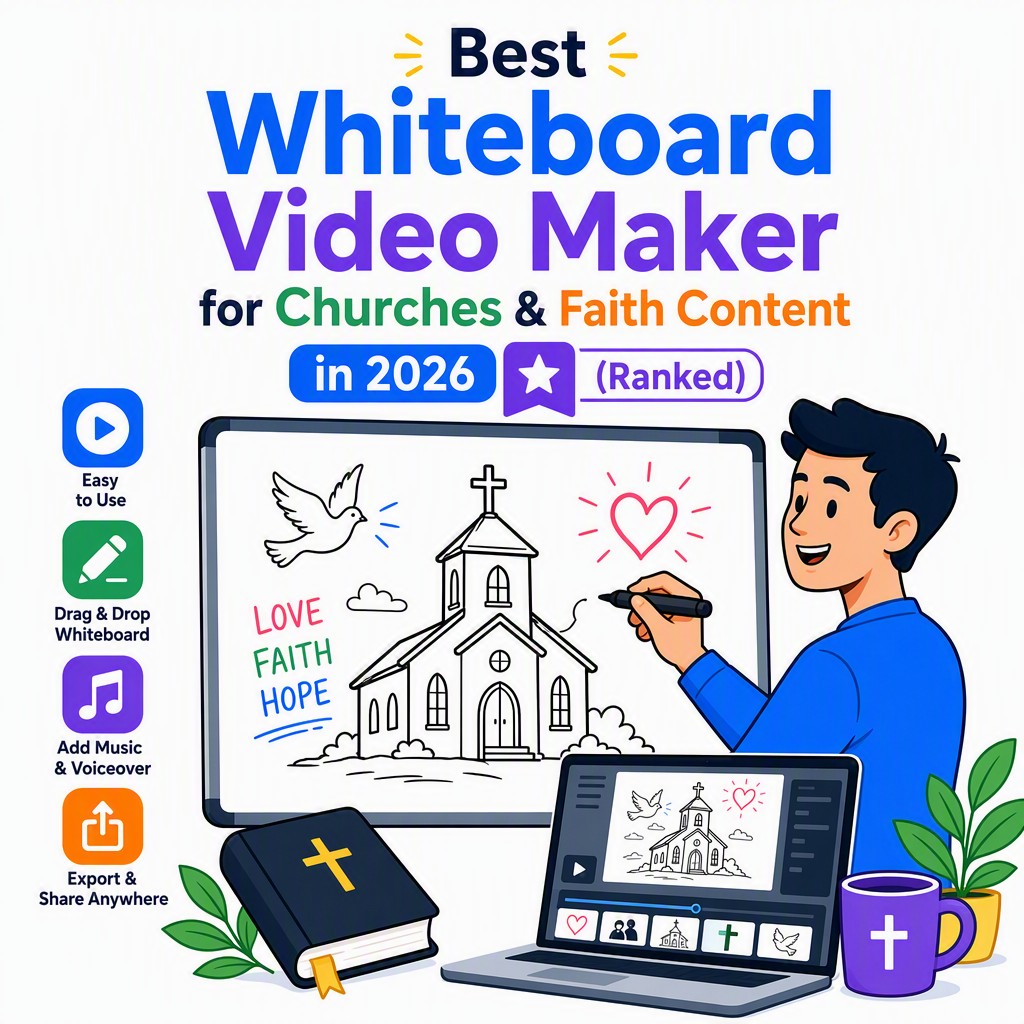
The hand-drawn whiteboard style focuses attention on the message — perfect for scripture, parables and sermon recaps across all ages and faiths.
Our Methodology
We applied six criteria, each weighted specifically for the realities of church and ministry communications in 2026. General marketing metrics like brand recognition or enterprise feature sets were deliberately deprioritised.
Does the tool write the script, create illustrations and add voiceover automatically from a prompt — or does it just give you a canvas to work on manually? For time-strapped faith communities, full AI automation is the single most important factor.
Monthly subscription cost is less meaningful than cost per completed, usable video. We calculated the real per-minute price at each tool's base tier, because that is what a church treasurer actually needs to know.
Can a Sunday school teacher with no design experience produce a good video on their first attempt? Tools requiring professional skills or long learning curves score poorly here, regardless of their feature depth.
Many congregations are multilingual. Built-in, natural-sounding voiceover in multiple languages is a significant quality-of-life feature that enables a single piece of content to serve an entire diverse congregation.
A genuine free tier — one where you can produce and download a finished video without a credit card — is critical for faith communities that need to validate a tool before requesting budget approval from a board or committee.
Can the tool produce visually appropriate, culturally respectful content for scripture, parables, sermons and interfaith contexts? Tools limited to generic corporate asset libraries score poorly on this dimension.
Our #1 Pick — Deep Dive
The best whiteboard video maker for churches is the one that actually gets used. That sounds obvious, but it is the most important test any tool can pass. The most powerful animation software in the world is worthless if it sits unused because the learning curve is too steep, the price too high, or the workflow too slow for the people who need it most.
Whiteboard Video Maker passes that test decisively. Its AI-first, prompt-to-video approach means that any member of a church team — from the senior pastor to the newest youth group volunteer — can produce a complete, professional-looking whiteboard video in the time it takes to write a short paragraph. The AI handles everything: script structure, visual storytelling, hand-drawn illustration style and narration. The human's job is simply to describe what they want.
Below are the concrete, specific use cases where we see this making a real difference for faith communities in 2026.
Type "Animate the story of David and Goliath for children aged 6–9, emphasising courage and faith" and receive a complete, narrated whiteboard video. The AI writes age-appropriate language, draws illustrative scenes and adds a warm voiceover — no storyboarding required. Works equally well for adult Bible study summaries.
Paste your sermon notes or a transcript URL into Whiteboard Video Maker and it will distil the key points into a shareable 2–3 minute whiteboard video. Congregation members who missed Sunday's service can catch up in minutes. Perfect for posting to the church website, YouTube channel or WhatsApp group.
Sunday school teachers can describe a lesson — "Explain the Fruit of the Spirit for 8-year-olds in a fun, animated way" — and have a ready-to-play classroom video within five minutes. No preparation time, no design skills, no budget for a professional animator. Just a prompt and a few clicks.
Short whiteboard videos — 60 to 90 seconds — are among the most watched content formats on Instagram, Facebook, TikTok and YouTube Shorts. A church social media volunteer can produce a fresh piece of faith content for the congregation every day of the week without burning out, because each video takes minutes, not hours.
Complex passages — the Book of Revelation, the letters of Paul, the structure of the Torah — are easier to understand when explained visually. Whiteboard animation's step-by-step drawing style mirrors the way a good teacher explains things on a whiteboard, making abstract theological concepts concrete and memorable.
A church in London, Melbourne or Toronto may have members whose first languages span dozens of countries. Whiteboard Video Maker's multi-language voiceover means the same video can be re-rendered in Spanish, French, Tagalog, Mandarin, Arabic or any other major language — serving every member of a diverse congregation with equal care and respect.
At $9.99/month — or $2.99 for a single week — Whiteboard Video Maker is the only professional video production tool accessible to a church running entirely on volunteer labour and a modest annual budget. The free first video means there is no financial risk whatsoever in trying it. For small congregations, independent ministries and faith-based nonprofits, this pricing is genuinely life-changing.