Common questions from people who want to make a whiteboard video online for the first time.
Is it really free to make a whiteboard video on whiteboard-video.com?
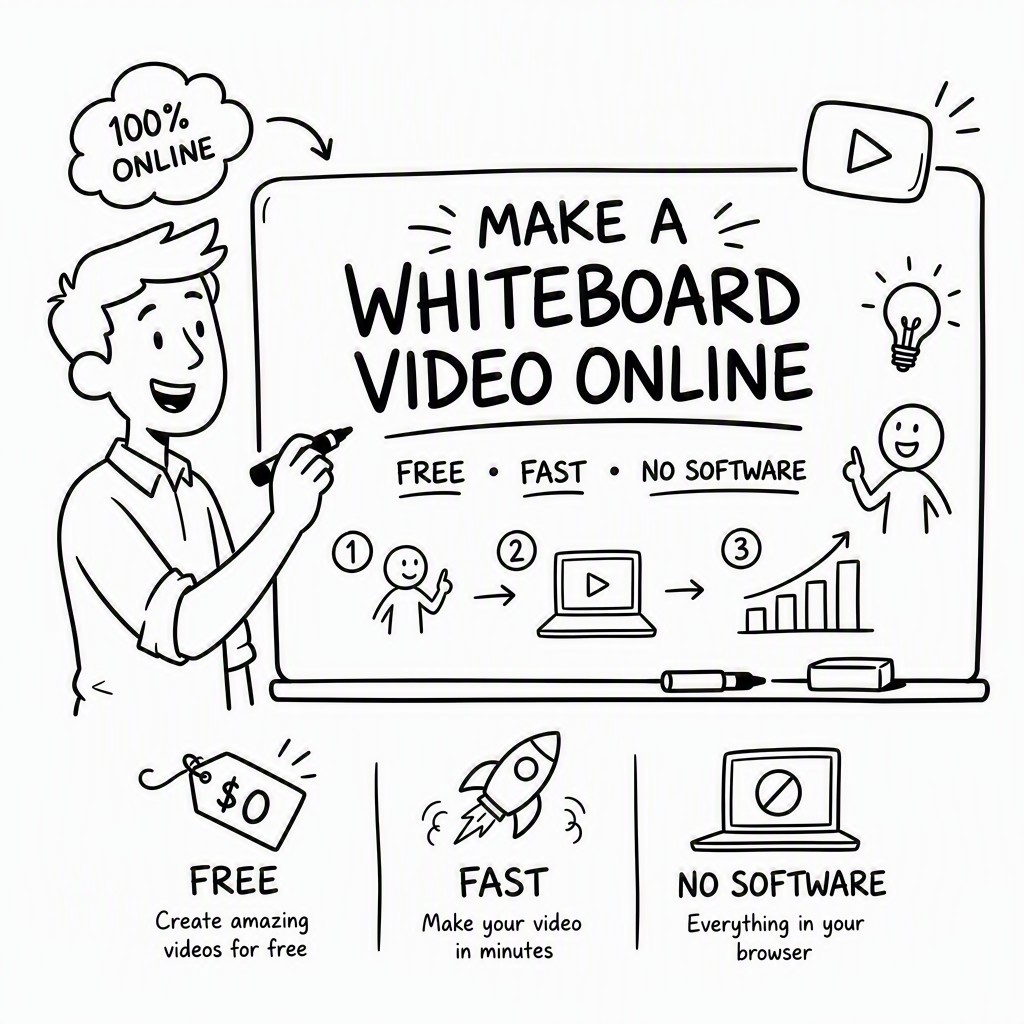
Yes — genuinely free, not a free trial. The free plan at whiteboard-video.com lets you create, render, and export whiteboard videos without entering a credit card. Free videos include a Whiteboard Video Maker watermark and are capped at two minutes in length, but there is no time limit on your account and no hard limit on how many videos you can create. Paid plans remove the watermark, extend video length, and unlock additional features for professional and commercial use.
Do I need to install any software to make a whiteboard video?
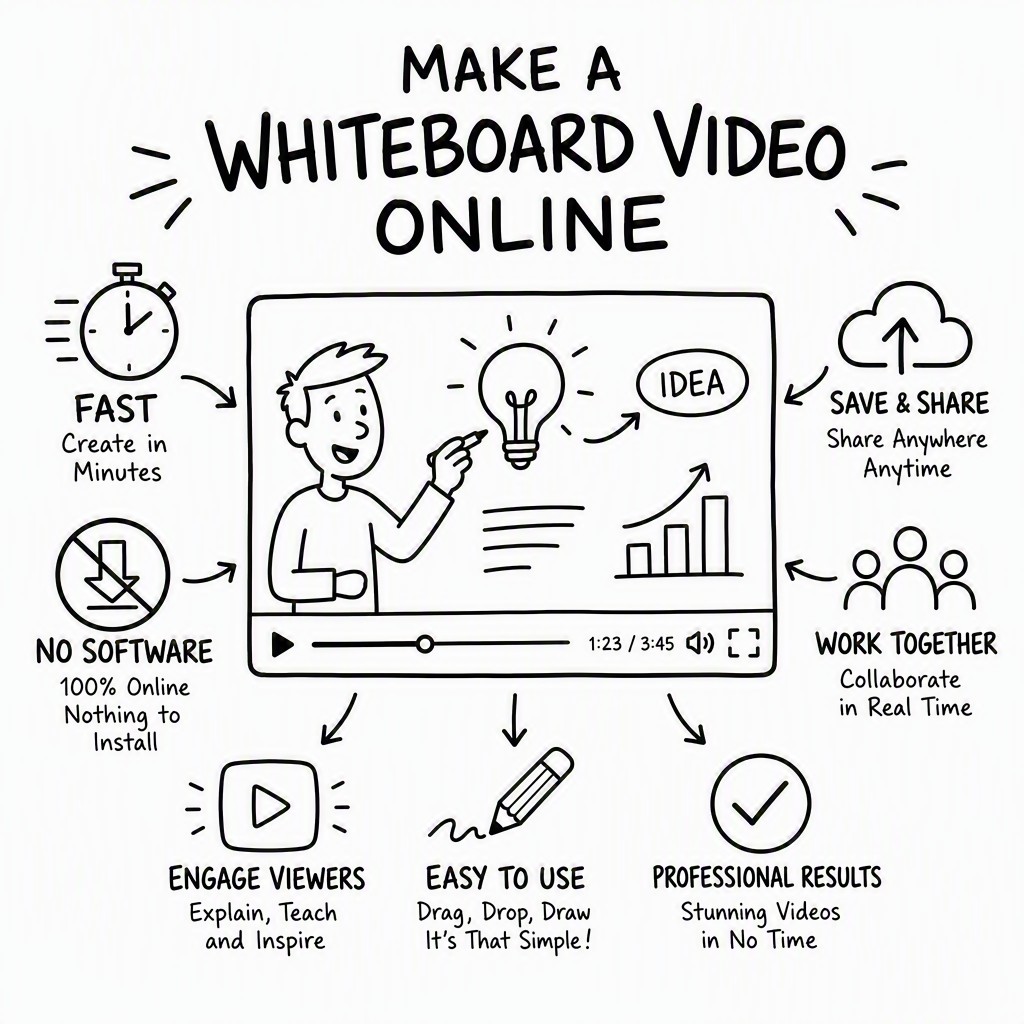
Absolutely not. Whiteboard Video Maker runs entirely in your web browser — Chrome, Firefox, Safari, and Edge are all fully supported. There is nothing to download, no plugins, no browser extensions, and no operating system restrictions. You can make a whiteboard video on a Windows PC, a Mac, a Chromebook, or any modern device with a stable internet connection. The platform is also mobile-responsive, though for the best creative experience a desktop or laptop is recommended.
How fast can I actually make a whiteboard video from scratch?
Most users complete their first whiteboard video in under ten minutes once they've signed up. If you use the AI script generator to write your content, the process is even faster — you can go from a blank page to a fully rendered, shareable video in five minutes or less. Render time depends on video length: a one-minute video typically renders in one to three minutes on the standard queue, while Pro users get priority rendering. Complex videos with lots of scenes and custom audio may take slightly longer, but you'll never be waiting hours the way you would with traditional animation workflows.
How long can my whiteboard video be?
On the free plan, individual videos can be up to two minutes long — which is actually ideal for most explainer, social media, and marketing use cases. Research consistently shows that viewer retention drops significantly after the two-minute mark for online video content. If you need longer videos — for full training modules, extended tutorials, product demos, or corporate presentations — the Pro and Team plans support videos up to 30 minutes or more. You can also chain shorter videos together as a series if you prefer to keep individual segments concise.
Can I add a voiceover to my whiteboard video?
Yes, and there are three ways to do it. First, you can select from the built-in AI voiceover library, which includes dozens of natural-sounding voices across multiple languages, accents, and tones — simply choose a voice and the platform reads your script aloud and syncs it to the animation automatically. Second, you can record your own voiceover directly in the browser using your microphone — the editor will align your audio to the visual timeline. Third, you can upload a pre-recorded audio file (MP3 or WAV) from your device. All three options are available on the free plan, though the full voice library and custom uploads are Pro features.
Will my video have a watermark?
Free plan videos are exported with a small Whiteboard Video Maker watermark in the corner. This watermark is tasteful and doesn't obstruct your content — many creators use free-plan videos for internal purposes, social media testing, or personal projects where it's perfectly acceptable. To remove the watermark entirely and export clean, professional-grade videos, you'll need a paid plan. Watermark-free exports are included in all paid tiers from the entry-level Pro plan upwards, and those videos are yours to use as you see fit within the commercial licence terms.
Can I use my whiteboard video for commercial purposes?
Free plan videos are licensed for personal and educational use only. If you plan to use your whiteboard video in any commercial context — including paid advertising, client deliverables, branded content, product promotions, or monetised YouTube channels — you'll need a paid plan that includes the commercial use licence. The Pro plan covers individual commercial use, while the Team plan covers agency use and the ability to create videos on behalf of clients. The commercial licence covers all illustrations, music, and voiceover content included in the platform's built-in libraries.
What file formats can I download my whiteboard video in?
The standard export format is MP4 (H.264), which is universally compatible with every video platform, social network, presentation tool, and video player. MP4 export is available on all plans including the free tier. Pro and Team plan users can also export in additional formats including WebM for web embedding, and can choose from multiple resolution options including 720p (HD), 1080p (Full HD), and 4K Ultra HD for maximum quality. All exports include the rendered animation, voiceover audio, and background music mixed together in a single file, ready to upload or share immediately.