Key takeaways
The fast version — what matters most about a whiteboard animation:
- What is whiteboard animation?: Whiteboard animation is a video style where illustrations appear to be drawn by hand on a white surface while a voiceover explains the idea.
- Why whiteboard animation still outperforms flashy video: It is tempting to assume high-budget 3D or live-action always wins.
- How to make a whiteboard animation with AI: Traditionally, a whiteboard animation meant hiring a scriptwriter, an illustrator, a voice actor and an animator — or spending days inside clunky drag-and-drop software p
- What you can create: Whiteboard animation fits an unusually wide range of jobs.
- Whiteboard animation vs other explainer styles: Motion graphics look modern but need a designer and date quickly.
What is whiteboard animation?
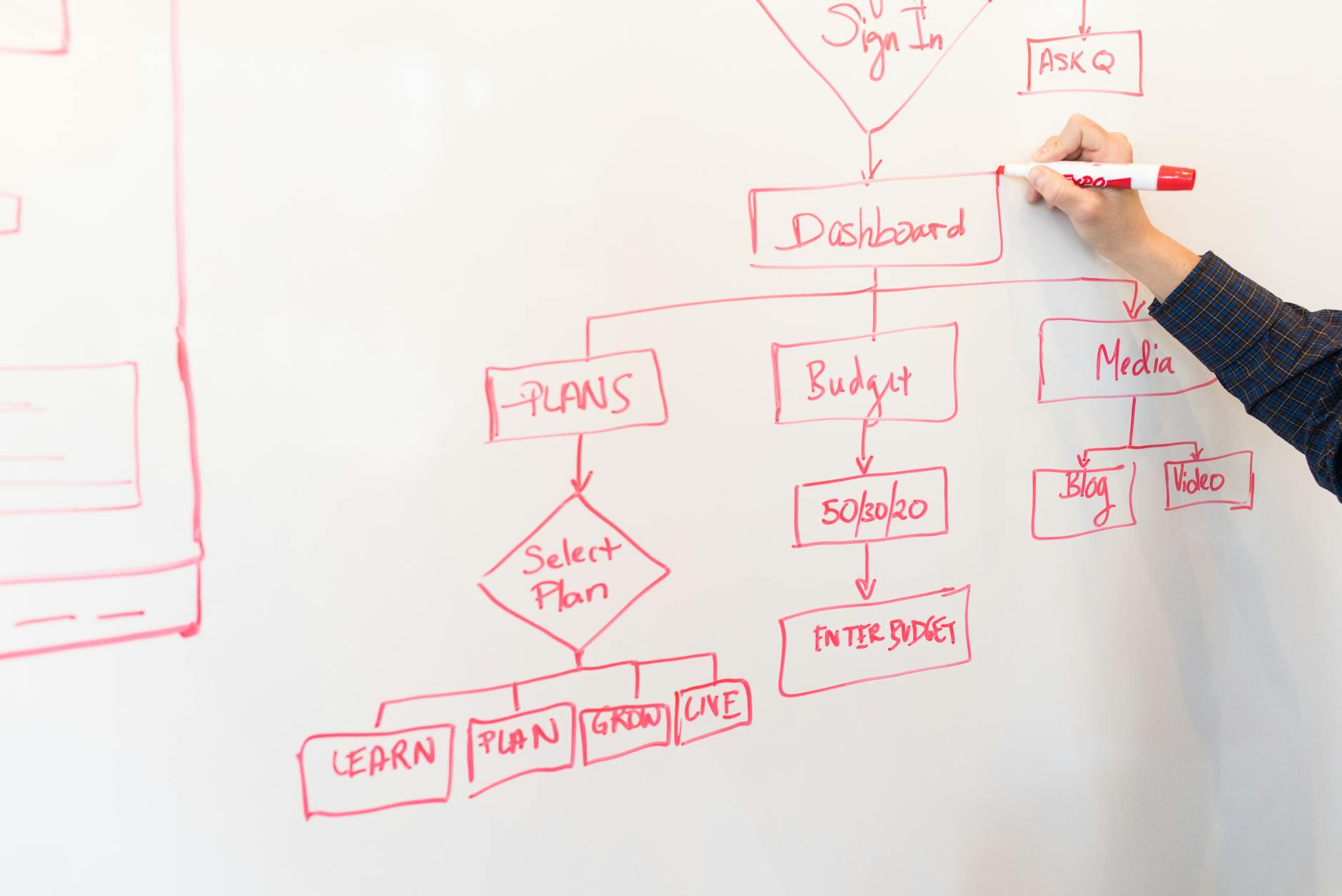
Whiteboard animation is a video style where illustrations appear to be drawn by hand on a white surface while a voiceover explains the idea. The moving hand, the simple line art and the steady narration combine to hold attention far longer than talking-head or slide-based video. Studies of explainer formats consistently show whiteboard-style videos keep viewers watching longer because the drawing motion creates a small, continuous 'what comes next?' curiosity loop.
The format works because it mirrors how a good teacher explains something at a real whiteboard: one concept at a time, building a picture as they talk. That makes it ideal for anything you need people to actually understand — a product, a process, a lesson, a pitch — rather than just watch passively.
Why whiteboard animation still outperforms flashy video
It is tempting to assume high-budget 3D or live-action always wins. In practice, whiteboard animation punches above its weight for one reason: clarity. Stripping a message down to line drawings forces you to focus on the single idea per scene, and viewers reward that focus with attention and recall.
Whiteboard videos are also remarkably durable. A hand-drawn explainer does not look 'dated' the way a trendy motion-graphics style does after two years, so the same video keeps earning views and conversions long after it is published. That longevity is why marketers, educators and SaaS teams keep coming back to the style.

How to make a whiteboard animation with AI
Traditionally, a whiteboard animation meant hiring a scriptwriter, an illustrator, a voice actor and an animator — or spending days inside clunky drag-and-drop software placing every hand-drawn asset by hand. Both routes are slow and expensive.
With Whiteboard Video the whole pipeline is automated. You paste a prompt, a finished script, a blog URL, a PDF or a Word document. The AI turns it into a scene-by-scene storyboard, generates matching hand-drawn illustrations, writes or reuses your script, and lays a natural AI voiceover over the top. A few minutes later you download a finished MP4.
You stay in control at every step: edit the script, swap illustrations, change the voice or the pacing, and re-render instantly. There is no timeline to fight and no drawing skill required.
What you can create
Whiteboard animation fits an unusually wide range of jobs. Common uses include: product explainers that turn a landing page into a 60-second demo; onboarding and training videos that new hires actually finish; sales and pitch videos that make a complex offer feel simple; social clips that stop the scroll; and course lessons that hold a class's attention.
Because you can feed the tool an existing document — a help article, a whitepaper, a lecture — you can also repurpose content you already own into video without rewriting it from scratch.
Whiteboard animation vs other explainer styles
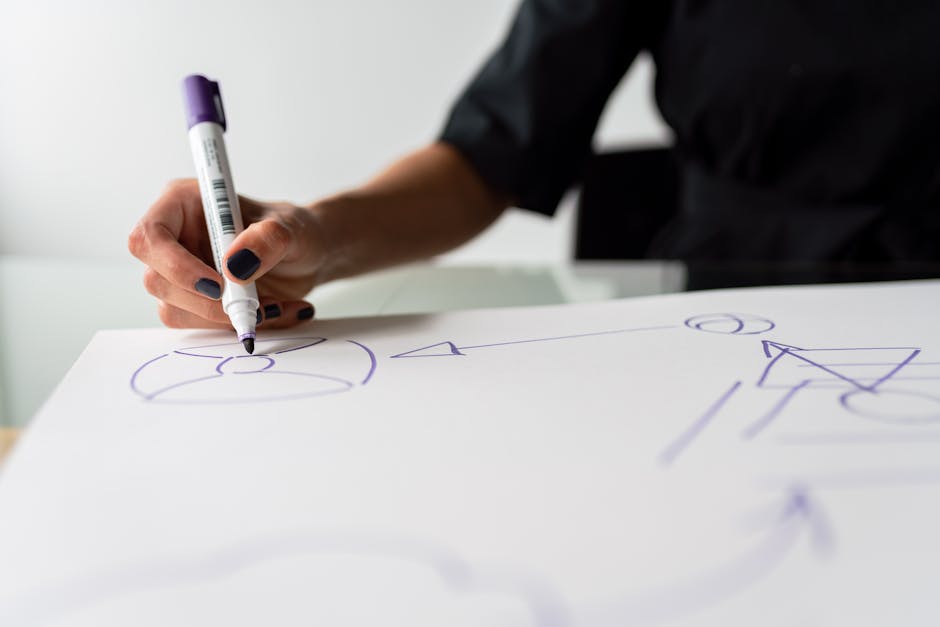
Motion graphics look modern but need a designer and date quickly. Live action feels authentic but is expensive to shoot and impossible to edit after the fact. Slides-with-voiceover are cheap but forgettable. Whiteboard animation sits in the sweet spot: cheaper than all of them to produce with AI, easy to update, and proven to hold attention.
If your goal is understanding and conversion rather than pure spectacle, whiteboard animation is usually the highest-ROI format you can choose.