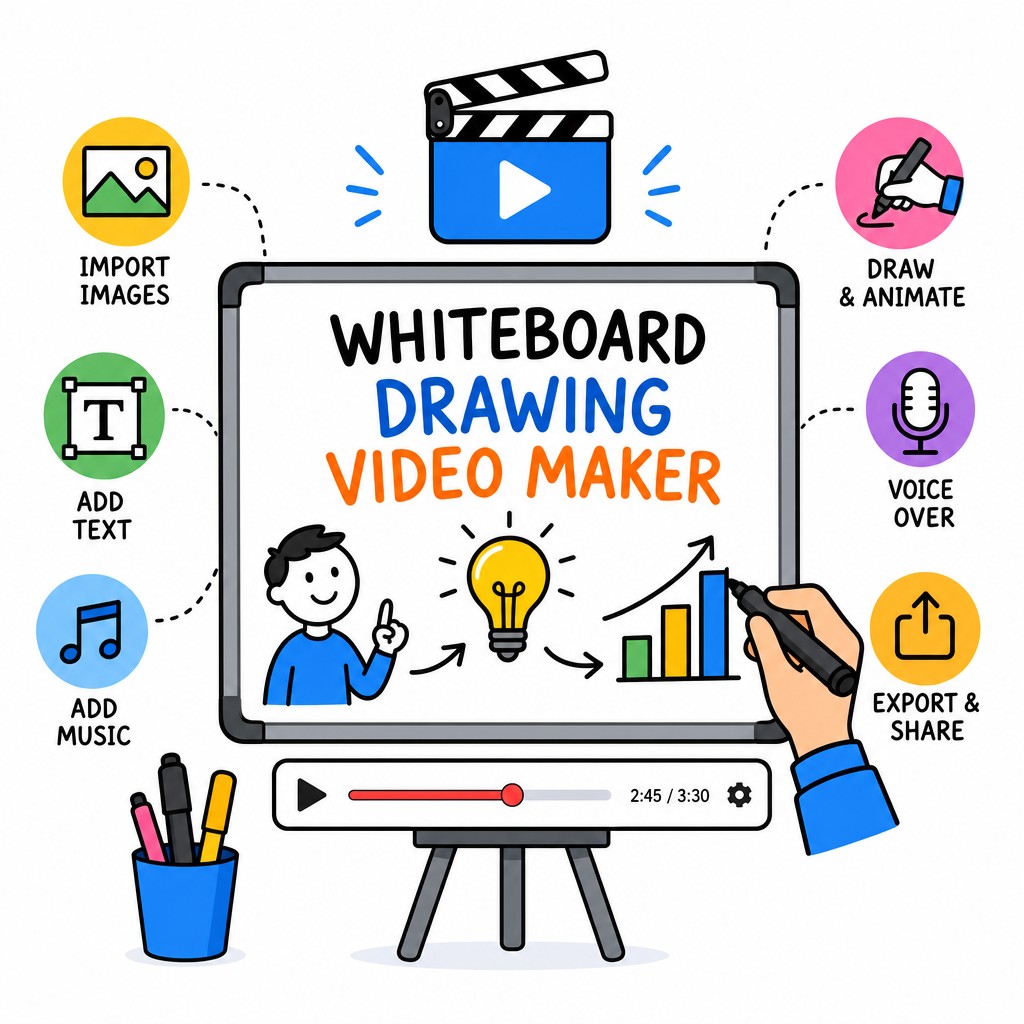
Whiteboard Drawing Video Maker

Turn Any Idea Into a Captivating Whiteboard Drawing Video

Bring your concepts to life with hand-drawn animation that educates, engages, and converts. No camera. No design degree. No complicated software — just your story, beautifully drawn.

Whiteboard drawing video maker interface showing animated hand-drawn explainer video creation
✏️
Real Hand-Draw Animation
Ready in Minutes, Not Days
🎬
HD Video Export
🌍
Used Across Industries

The Most Persuasive Video Format, Now Effortless

A whiteboard drawing video is a style of animation where illustrations appear to be hand-drawn in real time on a white surface, often accompanied by a voiceover that explains a concept, product, or story. The format has proven remarkably effective at holding viewer attention — the progressive reveal of information keeps audiences engaged from start to finish, and the visual simplicity removes distraction so your message lands clearly.

Traditionally, producing a whiteboard video required hiring an illustrator, a voiceover artist, and a video editor — a process that could take weeks and cost thousands. Whiteboard Video Maker changes that equation entirely. Our cloud-based whiteboard drawing video maker gives you professional-grade animated results in a browser, with no prior skills required.

Whether you're explaining a complex medical procedure, pitching a startup idea, training a new employee, or marketing a product, the whiteboard animation format communicates with a clarity and warmth that standard slide decks and talking-head videos simply cannot match. This is why educators, marketers, nonprofits, and entrepreneurs worldwide have embraced it — and why our tool makes creating one as simple as typing your script.

Get Started Free
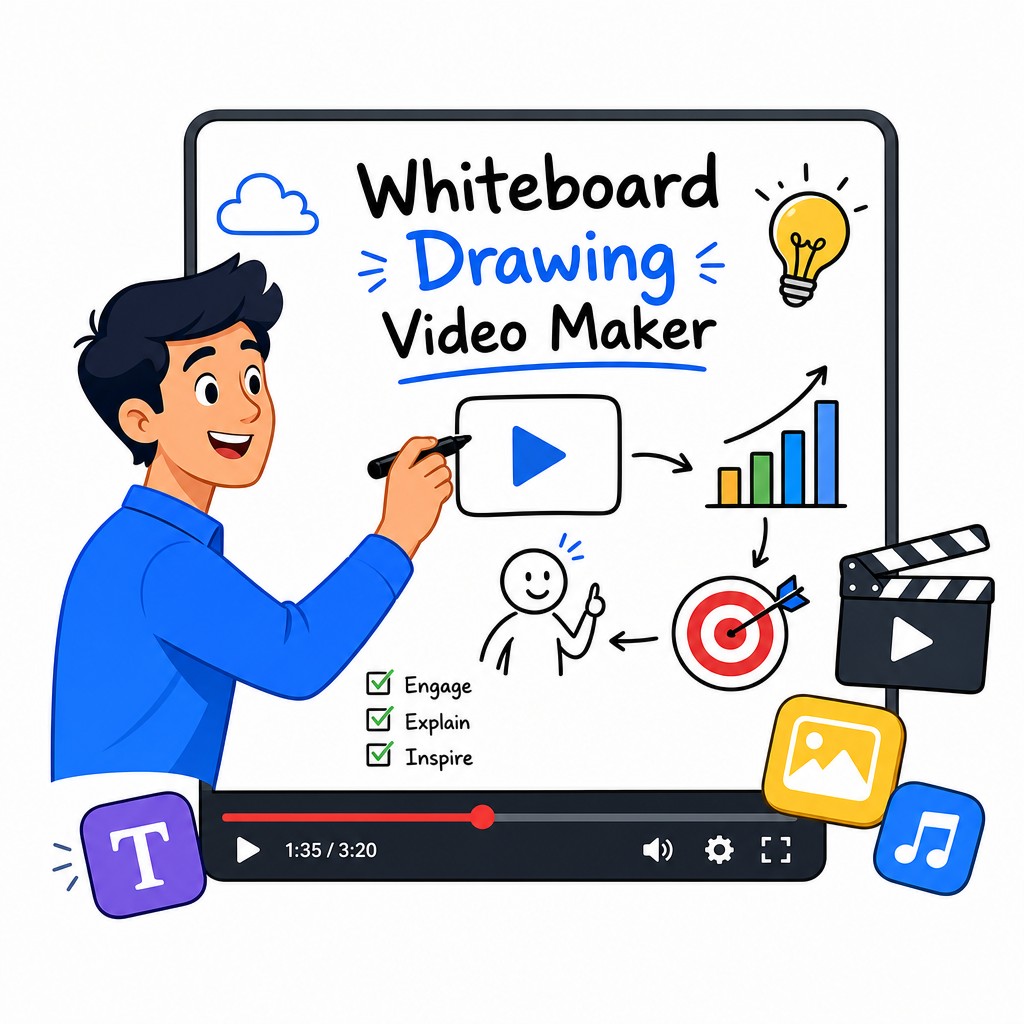
Example of whiteboard drawing video maker producing animated explainer content with hand-drawn illustrations
Why Choose Whiteboard Video Maker

Five Reasons Our Whiteboard Video Maker Stands Apart

Every feature has been built around one goal: making your content more effective, faster and without the headaches of traditional video production.

✍️

Authentic Hand-Drawn Animation Engine

The heart of any whiteboard video is the convincing illusion of a hand drawing on screen. Our proprietary rendering engine replicates natural pen strokes, variable line weight, and the subtle hesitations of real human drawing. The result is animation that feels warm and genuine — not robotic or templated. Your audience subconsciously perceives hand-drawn content as more trustworthy and more thoughtfully prepared, which directly translates to higher engagement and better retention of your message.

📝

Script-to-Video in Minutes

You don't need to be an animator or even a visual thinker to produce a great whiteboard drawing video. Simply write or paste your script, choose from our extensive library of scenes, characters, icons, and props, and the platform synchronises your narration with the on-screen drawing automatically. The intelligent scene-matching system suggests visuals that complement your words, drastically shortening the time from idea to finished video. Most users complete their first video in under 30 minutes — even with zero prior experience.

🎨

Vast Library of Scenes, Characters & Assets

A whiteboard video is only as compelling as the visuals it uses. Our library contains thousands of professionally drawn characters, objects, backgrounds, and conceptual illustrations spanning business, healthcare, education, technology, finance, and more. Every asset is designed to work cohesively, so mixing elements from different categories still produces a visually coherent video. You can also customise skin tones, clothing colours, and object colours to match your brand identity or represent your specific audience.

🔊

Professional Voiceover & Audio Integration

Sound is half the experience of any video. Whiteboard Video Maker gives you multiple options: record your own voice directly in the browser, upload a pre-recorded narration, or use our built-in text-to-speech voices across dozens of languages and accents. You can layer in background music from our royalty-free library, control volume levels, and fine-tune the sync between audio and drawing animation on a visual timeline. The result is a polished, broadcast-quality production that sounds as good as it looks.

📤

Flexible Export & Sharing Options

Once your whiteboard drawing video is complete, exporting is seamless. Download in Full HD (1080p) MP4 format suitable for YouTube, Vimeo, social media, or embedding on your website. Share directly via a public link, or publish to your connected social channels with a single click. For presentations, you can export as a standalone file that plays without an internet connection. All exported videos are watermark-free on paid plans, giving you truly professional deliverables ready for client presentations, marketing campaigns, or classroom distribution.

Simple Process

How to Create a Whiteboard Drawing Video in 4 Steps

No learning curve. No tutorials to watch before you can start. Just a clear, logical process that guides you from blank canvas to finished video.

1

Write or Import Your Script

Start by entering the text you want your video to communicate. This can be a product explanation, a training module, a health awareness message, a sales pitch, or any other content. You can type directly in the editor or paste from a document. The script becomes the backbone of your entire video — every scene, every drawing stroke, every audio beat is orchestrated around the words you choose. Take time here to be specific and conversational, because the best whiteboard drawing videos feel like a knowledgeable friend explaining something clearly, not a corporate announcement.

2

Choose Scenes & Customise Your Visuals

With your script in place, the platform suggests matching scenes from the library. Browse, swap, or stack scenes to build your storyboard. Drag characters onto the canvas, resize them, and position them exactly where you want. Add text overlays, callout arrows, icons, and transition effects. Every element can be adjusted for timing — you control how long each scene plays, how fast the drawing animation runs, and when text fades in or out. This visual editing stage is where your whiteboard video takes on its unique character and voice.

3

Add Your Audio & Fine-Tune Timing

Record a voiceover directly in the browser using your microphone, upload a pre-recorded MP3 or WAV file, or generate a synthetic voice from your script text. The audio waveform appears on the timeline so you can visually align drawing animation with speech. Adjust the speed of individual drawing sequences to match the pacing of your narration perfectly. Add a background music track from our library, set it to fade in and out automatically, and preview the complete audio mix before exporting. Attention to audio timing is what separates amateur whiteboard videos from professional ones.

4

Preview, Export & Share

Hit the preview button to watch your complete whiteboard drawing video from start to finish. Make any last adjustments to timing, scene order, or audio levels. When you're satisfied, click Export and choose your resolution and format. Your video renders in the cloud — no waiting for your computer to process — and is ready to download within minutes. Share it on YouTube, embed it on your website, post it to social media, send it in an email campaign, or present it at your next meeting. Every video you create at whiteboard-video.com is yours to use however you choose.

Live Examples

See Whiteboard Drawing Videos in Action

These real videos were created using Whiteboard Video Maker. Watch how the hand-drawn animation style transforms complex topics into clear, engaging stories.

☕ Whiteboard Video Example: Coffee Explainer

Animated Coffee Brand Story

This whiteboard drawing video shows how a simple product story — the journey of coffee from bean to cup — becomes compelling and memorable when told through hand-drawn animation. Notice how the progressive reveal keeps viewers watching and how the visual simplicity amplifies the warmth of the narrative.

🎗️ Whiteboard Video Example: Health Awareness

Breast Cancer Awareness Explainer

Healthcare and public health organisations rely on whiteboard drawing videos to communicate sensitive, complex medical information in a way that feels approachable and human. This example demonstrates how the format makes a serious topic accessible without trivialising it — ideal for patient education, awareness campaigns, and community outreach.

Who Uses Whiteboard Video Maker

The Right Tool for Every Industry

Whiteboard drawing videos are uniquely versatile. Here's how professionals across sectors are using them to communicate, educate, and grow.

🏥

Healthcare & Patient Education

Medical practices, hospitals, and health nonprofits use whiteboard drawing videos to explain diagnoses, treatment plans, and preventative care in plain language. The hand-drawn style reduces patient anxiety and improves understanding of complex procedures far better than text-heavy brochures or intimidating medical diagrams.

📚

Education & E-Learning

Teachers, course creators, and instructional designers use whiteboard animation to break down difficult concepts in mathematics, science, history, and language arts. The visual storytelling approach supports multiple learning styles simultaneously and dramatically improves knowledge retention compared to static slide presentations.

📣

Marketing & Sales

Marketers use whiteboard explainer videos at the top of the funnel to introduce products and services, and at the bottom of the funnel to address objections and close sales. A well-crafted whiteboard video on a landing page can significantly increase time-on-page and conversion rates compared to text-only content.

🏢

Corporate Training & HR

HR departments and L&D teams create whiteboard drawing videos for onboarding new employees, explaining company policies, demonstrating compliance procedures, and rolling out new software tools. Animated training content is more engaging than written manuals and produces measurably better knowledge retention among staff.

🚀

Startups & Entrepreneurs

Founders use whiteboard videos to pitch investors, explain their value proposition on their homepage, and generate early traction on social media. When you're a small team with a limited budget, a crisp, professional whiteboard explainer video lets you punch far above your weight class in terms of perceived credibility and polish.

🌱

Nonprofits & Social Causes

Charities and advocacy organisations use whiteboard animation to raise awareness, explain complex social issues, and mobilise supporters. The format's inherent warmth and approachability makes it especially powerful for causes that need to build empathy and motivate action without overwhelming or alienating their audience.

Common Questions

Frequently Asked Questions

Everything you need to know before you start creating your first whiteboard drawing video.

Do I need any design or animation skills to use Whiteboard Video Maker?
Absolutely not. Whiteboard Video Maker was built specifically for people who have great ideas but no background in animation, graphic design, or video production. The drag-and-drop editor, pre-built scene library, and automated timing tools handle the technical heavy lifting. Your job is simply to tell your story — the platform takes care of making it look and sound professional. If you can write a script and choose images from a library, you can create a finished whiteboard drawing video.
How long does it take to create a whiteboard drawing video?
The time depends entirely on the length and complexity of your video. A typical one-to-two minute explainer video can be completed in 30 to 60 minutes by a first-time user, including writing the script, choosing scenes, adding audio, and exporting. More experienced users often produce the same length video in 15 to 20 minutes. Longer videos — say five to ten minutes for a training module — naturally take more time, but the process remains linear and straightforward throughout.
What file format will my whiteboard video be exported in?
Videos export as MP4 files in Full HD (1920×1080) resolution by default, which is compatible with every major platform including YouTube, Vimeo, Facebook, Instagram, LinkedIn, and all major website CMS platforms. The MP4 format is also suitable for embedding on your website, including in email marketing platforms, and for offline playback in presentations. If you have a specific resolution or format requirement, check your current plan details or contact our support team.
Can I add my own voiceover or does it have to be computer-generated?
You have complete freedom over your audio. You can record your own voice directly in the browser using your computer's microphone, upload an audio file you've already recorded, or use our text-to-speech engine to generate a synthetic voiceover from your script in a variety of languages and voices. Many users prefer recording their own voice for a personal, authentic feel, while others use text-to-speech for speed and consistency across multiple videos. You can also combine approaches — for example, using a human voice for the narration and synthetic voices for translated versions.
Is there a watermark on videos created with the free plan?
Free plan videos include a small Whiteboard Video Maker watermark in the corner of the exported file. This is removed entirely on all paid plans, giving you clean, professional videos that carry only your own branding. We recommend starting with a free account to explore the platform and create a test video, then upgrading when you're ready to publish or share your content professionally. Visit whiteboard-video.com to compare plan options.
Can I use whiteboard drawing videos commercially — for clients or paid campaigns?
Yes. On paid plans, all videos you create are fully licensed for commercial use, including client work, paid advertising, e-commerce, and monetised YouTube channels. Freelancers and agencies regularly use Whiteboard Video Maker to produce whiteboard drawing videos for their clients at a fraction of the cost of traditional animation studios. Please review the specific terms of your chosen plan for any usage limits that may apply to high-volume commercial production scenarios.
What makes whiteboard drawing videos more effective than regular explainer videos?
The effectiveness of whiteboard animation comes down to several well-documented psychological principles. First, the progressive reveal of information — watching something being drawn — activates curiosity and keeps viewers watching to see what comes next. Second, the visual simplicity of a white background with black line drawings removes cognitive distractions, allowing the viewer to focus entirely on the message. Third, hand-drawn visuals trigger warmth and authenticity associations in viewers, making them more receptive to the information being presented. Together, these factors make whiteboard drawing videos exceptionally well-suited for education, persuasion, and storytelling.
Ready to Create?

Start Making Your Whiteboard Drawing Video Right Now

Join creators, educators, marketers, and businesses who use Whiteboard Video Maker to communicate their ideas with clarity, warmth, and professional polish. Your first video is free — no credit card required.

Create My Whiteboard Video Free Explore whiteboard-video.com

No credit card. No software to install. Start in your browser at whiteboard-video.com