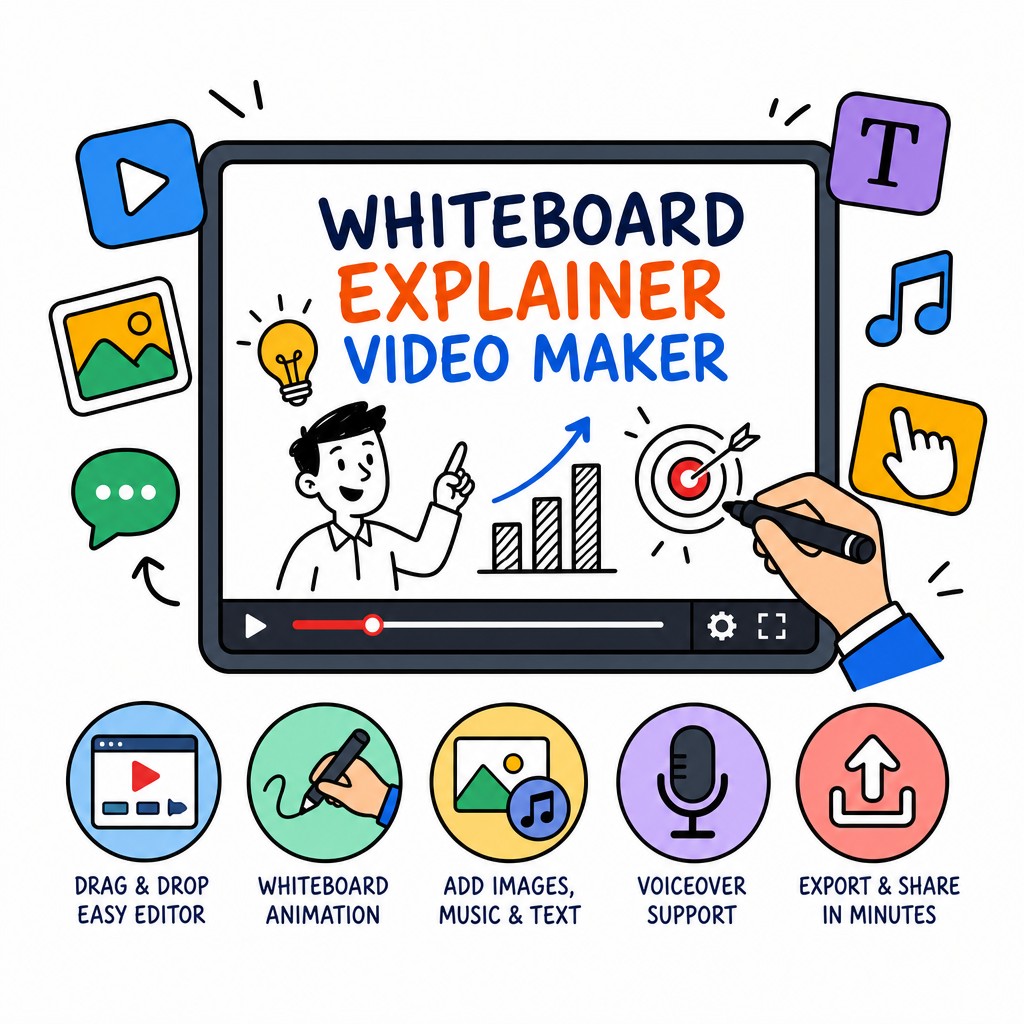
Paste a prompt, upload a PDF, Word doc, image or URL — and watch our AI write the script, draw the illustrations and record a natural voiceover automatically. No design skills needed.
No need to start from scratch. Feed Whiteboard Video Maker whatever you've got.
What is Whiteboard Video Maker?
Whiteboard explainer videos have been proven time and again to boost audience comprehension, increase viewer retention and drive higher conversion rates compared to static slides or talking-head recordings. The problem has always been that producing them is slow, expensive and technically demanding — traditionally requiring a scriptwriter, a storyboard artist, an illustrator and a voiceover actor working together over days or weeks.
Whiteboard Video Maker changes that equation completely. Powered by a suite of generative AI models working in concert, our platform takes whatever source material you provide — a rough idea typed into a prompt box, an existing PDF report, a Word document, a web page URL or even a screenshot — and converts it end-to-end into a polished whiteboard animation video ready to publish.
The AI reads and understands your content, writes a clear and engaging script tailored to your audience, generates a series of hand-drawn-style illustrations that match each script segment, synchronises those drawings with a natural-sounding voiceover, and renders everything into a single downloadable MP4. What used to take a production team a week now takes you under five minutes.
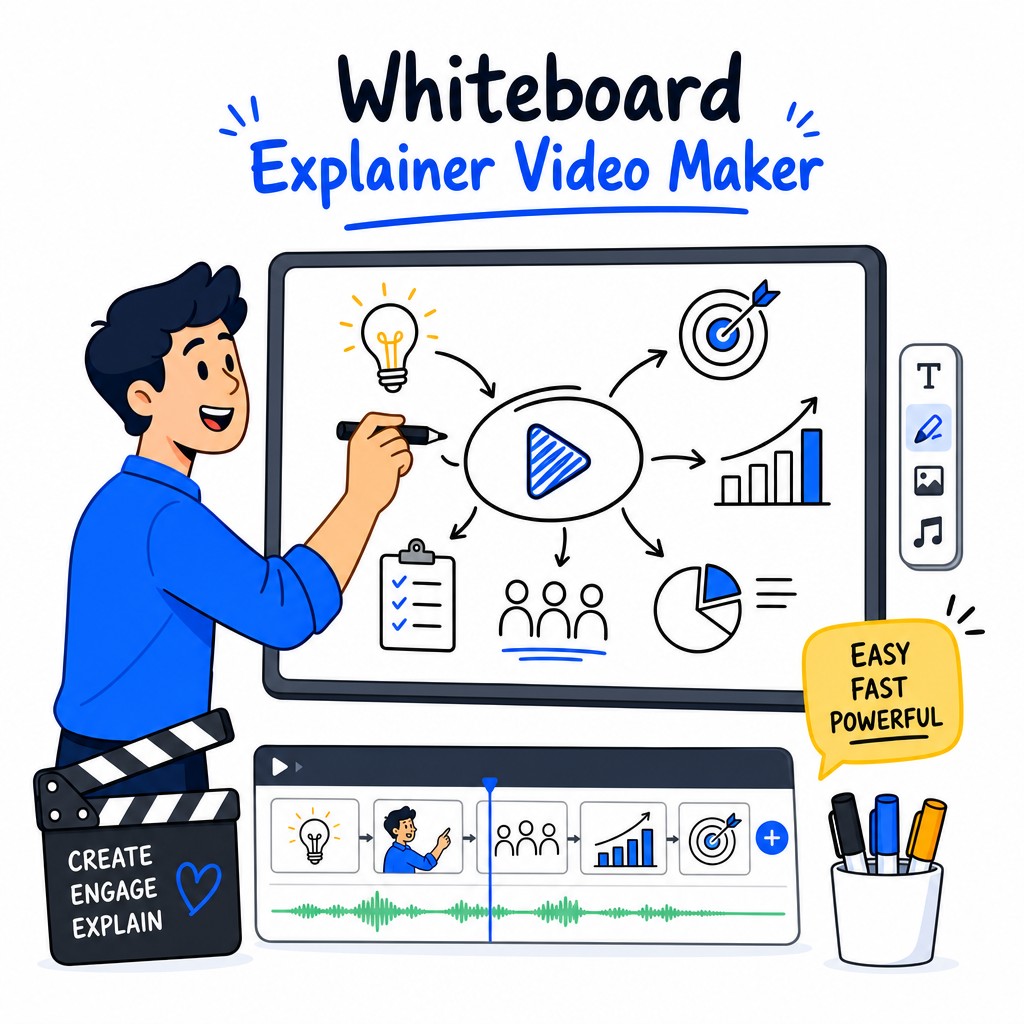
Six powerful capabilities working together so you can focus on your message, not the production.
Our AI doesn't just summarise your input — it structures a compelling narrative arc. It identifies the core message, breaks it into digestible segments, writes clear explanatory prose and adds natural transitions between scenes. The result reads like a professional copywriter drafted it specifically for a whiteboard format, with each sentence designed to accompany a visual moment rather than stand alone on a slide.
Every scene in your whiteboard video is illustrated in a distinctive hand-drawn doodle style that feels authentic and engaging. The AI selects metaphors and visual concepts that reinforce the spoken words, then renders them as progressive drawings — the pen-on-whiteboard animation effect that keeps viewers watching. You can choose from multiple illustration styles and adjust the visual complexity to match your brand or audience.
A whiteboard video without a clear, warm voiceover is just a silent animation. Whiteboard Video Maker includes a library of natural-sounding AI voices in multiple languages and accents. The AI automatically syncs each sentence of the script to the corresponding visual segment, so the drawing and the narration always arrive together. You can preview and swap voices, adjust speaking pace and even upload your own recorded audio if you prefer a personal touch.
Most video creation tools require you to write everything from scratch. Whiteboard Video Maker meets you where your content already lives. Upload a dense 40-page PDF research report and the AI will extract the key insights, condense them into a tight narrative and build a video around them. Paste a URL to a blog post, product page or Wikipedia article and watch it transform. Drop in a Word document or PowerPoint presentation and the AI maps each section to a visual scene automatically.
When your video is ready, exporting is instant. Download a full-resolution MP4 suitable for YouTube, LinkedIn, your website or your LMS. Share a direct link to a hosted preview page — no login required for viewers. Videos are encoded for fast streaming, optimised for social aspect ratios and include auto-generated captions for accessibility. You can also embed the video directly into any web page with a single snippet of code.
The AI gives you a great first draft, but you're always in control. Edit the script directly in our inline editor and the illustrations and voiceover update to match. Regenerate individual scenes if you want a different visual angle. Adjust the pacing of the hand-drawn animation, swap background music from our royalty-free library, add your logo and brand colours to the opening and closing frames, and reorder scenes with simple drag-and-drop. Your video, your way.
No timeline, no keyframes, no rendering queue to babysit. Just four straightforward steps.
Type a prompt describing your topic, or upload an existing document, image, or paste a URL. The AI accepts virtually any source of information and works with it directly.
Our language model reads your content, identifies the key points and writes a structured, engaging whiteboard video script with clear scene breaks and natural narration.
For each script segment, the AI generates hand-drawn-style visuals and records a natural voiceover, synchronising the drawing animation with the spoken words automatically.
Review the finished video, make any edits you want in the online editor, then export your MP4 or share a direct link. Your whiteboard animation is ready to go live.
Watch two complete whiteboard animations generated entirely by AI — script, illustrations and voiceover included.
A fully AI-generated whiteboard explainer video covering the rise and reach of the Mongol Empire. Demonstrates how Whiteboard Video Maker handles complex historical narratives with rich visual storytelling.
A whiteboard animation explaining the Software-as-a-Service business model for prospective customers and investors. Shows how the tool handles technical and marketing content with clarity and visual precision.
Whiteboard animations work across industries, audiences and content types. Here are the most common ways people use our platform.
Explaining what your product does and why it matters is one of the hardest communication challenges in marketing. Whiteboard animations are uniquely effective here because the progressive drawing keeps attention focused while the voiceover delivers the message. Use Whiteboard Video Maker to create homepage explainers, product demo videos, feature walkthroughs and comparison videos that convert curious visitors into confident buyers.
Research consistently shows that learners retain information better when it's presented as a visual narrative rather than static text or talking-head video. Whiteboard animations are the gold standard for e-learning content. Upload your course outline, lesson notes or training manual and Whiteboard Video Maker will produce engaging instructional videos for every module — ready to embed in your LMS, Teachable course or corporate intranet.
Teachers, professors and educational content creators use Whiteboard Video Maker to bring complex subjects to life. From explaining photosynthesis to breaking down the causes of the First World War, the hand-drawn animation style is inherently approachable and engaging for students of all ages. Upload a lesson plan or paste a Wikipedia article and receive a classroom-ready video in minutes.
New employee onboarding, HR policy updates, IT security training and operational process documentation are all dramatically more effective when delivered as short whiteboard videos rather than lengthy PDF manuals. Whiteboard Video Maker lets HR and operations teams produce professional internal videos without a video production budget — just upload the policy document or process description and the AI does the rest.
Whether you're teaching someone how to use your software, explaining a cooking technique or walking through a financial concept, tutorial whiteboard videos break complex procedures into clear, sequential visual steps. The hand-drawn illustration style makes each step feel approachable and easy to follow, and the AI automatically structures step-by-step content into a logical visual flow.
A compelling whiteboard animation can explain your startup's value proposition, market opportunity and business model in under two minutes — far more memorably than a static pitch deck. Founders use Whiteboard Video Maker to create animated pitch videos for investor outreach, crowdfunding campaigns, accelerator applications and website hero sections that immediately communicate what the business does and why it matters.
Everything you need to know about Whiteboard Video Maker before you start.
Do I need any video editing or design experience to use Whiteboard Video Maker?
None at all. Whiteboard Video Maker is designed to be used by anyone, regardless of technical background. The entire production pipeline — script writing, illustration generation, voiceover recording and video rendering — is handled by the AI. Your job is simply to provide the source content and review the output. If you want to make changes, the editing interface is straightforward and intuitive, with no timeline or keyframe knowledge required.
How long does it take to generate a whiteboard explainer video?
Most videos are generated and ready to preview within three to five minutes, depending on the length of your source material and the complexity of the content. A standard 60–90 second explainer video from a short prompt typically completes in under three minutes. Longer videos derived from multi-page documents may take a few minutes more. Either way, it's dramatically faster than any traditional production workflow.
What file formats can I upload as source material?
Whiteboard Video Maker accepts PDF documents, Microsoft Word files (.docx), PowerPoint presentations (.pptx), plain text files, images (JPG, PNG, WEBP) and direct URLs to web pages, blog posts or articles. You can also simply type a prompt or paste text directly into the input field. The AI processes all of these formats natively and extracts the relevant content automatically.
Can I customise the script, illustrations and voiceover after the AI generates them?
Yes, full customisation is available. You can edit the script directly in the inline text editor and the illustrations and voiceover will update to match your changes. Individual scenes can be regenerated if you want a different visual interpretation. You can swap voiceover voices, adjust speaking pace, change the illustration style, reorder scenes with drag and drop, add your logo and brand colours, and choose from a library of background music tracks. The AI gives you an excellent starting point; you have complete creative control from there.
What languages and voices are available for the voiceover?
Whiteboard Video Maker supports voiceover generation in a wide range of languages including English (multiple accents), Spanish, French, German, Portuguese, Italian, Dutch, Japanese, Chinese, Arabic and more. Within each language, multiple voice profiles are available — male and female voices with varying tones, from warm and conversational to authoritative and professional. You can preview any voice before committing to it in your final video.
What format is the finished video exported in, and where can I use it?
Finished videos are exported as high-resolution MP4 files, which are universally compatible with every major platform and device. You can upload directly to YouTube, LinkedIn, Facebook, Instagram, TikTok or any other video platform. The MP4 can be embedded on your website, added to your LMS or learning platform, included in email campaigns, or shared via a direct hosted link that Whiteboard Video Maker generates for you. Auto-generated captions are also available for accessibility compliance.
Is there a free plan, and what are the limitations?
Yes, you can get started on Whiteboard Video Maker completely free — no credit card required. The free plan allows you to create and preview whiteboard videos so you can experience the full quality of the AI output before committing to a paid plan. Paid plans unlock longer video lengths, HD export, watermark removal, additional voice options, priority rendering and advanced customisation features. Visit whiteboard-video.com to see the full plan comparison and choose the option that fits your needs.
No design skills, no production budget, no waiting. Just your idea and our AI — working together to create something genuinely impressive.
Start Creating Free →Free to start · No credit card required · Export-ready in minutes