Online Whiteboard Video Creator

Turn Any Idea Into a
Stunning Whiteboard Video
in Minutes

No camera. No design experience. No expensive software. With Whiteboard Video Maker, you create professional animated explainer videos entirely in your browser — and your audience actually watches them.

Create Your Video Free → See How It Works
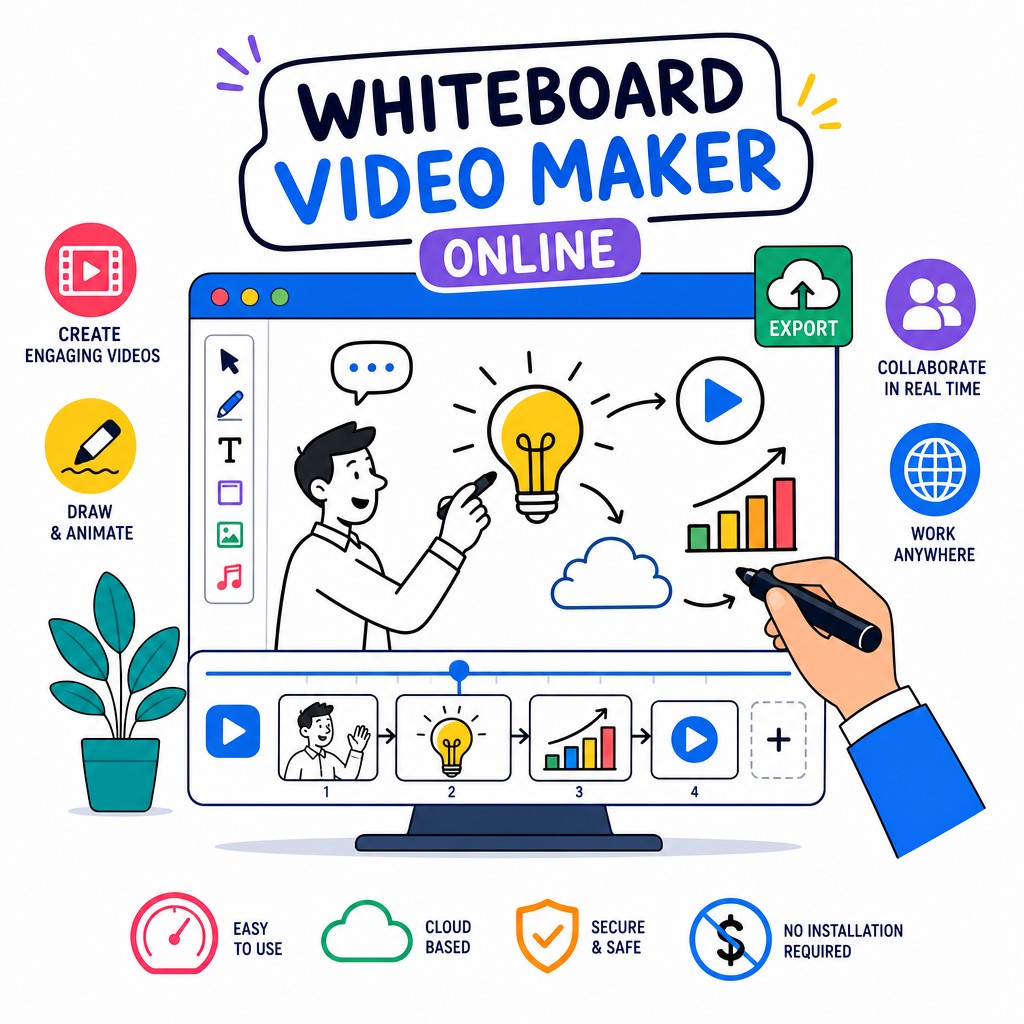
Whiteboard Video Maker Online – animated explainer video creation interface showing hand-drawn animation tools

Whiteboard videos convert. Study after study shows that animated explainer-style content holds attention longer, increases message retention, and dramatically improves click-through on ads and landing pages. But hiring a studio costs thousands. Whiteboard Video Maker at whiteboard-video.com puts that same production power in your hands — for free, right now, with zero learning curve.

The Most Engaging
Video Format Online

A whiteboard video is an animated style of video content where illustrations, diagrams, and text appear to be drawn in real time on a white (or dark) background — typically by a hand or stylus. The result is a crisp, focused narrative that walks viewers through a concept step by step. The animated drawing effect keeps eyes glued to the screen because the human brain is wired to follow motion and the act of creation.

Whiteboard videos have become the go-to format for explainer videos, online courses, product demos, corporate training, marketing campaigns, and social media content. They strip away visual noise and let your message breathe. When you need to explain something complex — a product benefit, a business process, a training module — nothing communicates it more clearly or memorably.

Traditionally, producing a whiteboard animation required hiring a specialist studio, waiting weeks, and spending anywhere from $1,000 to $10,000 per minute of finished video. Whiteboard Video Maker changes that equation entirely. Our online platform gives you a full-featured whiteboard animation studio accessible from any web browser, on any device, with no software to install and no design skills required.

Start Creating Free
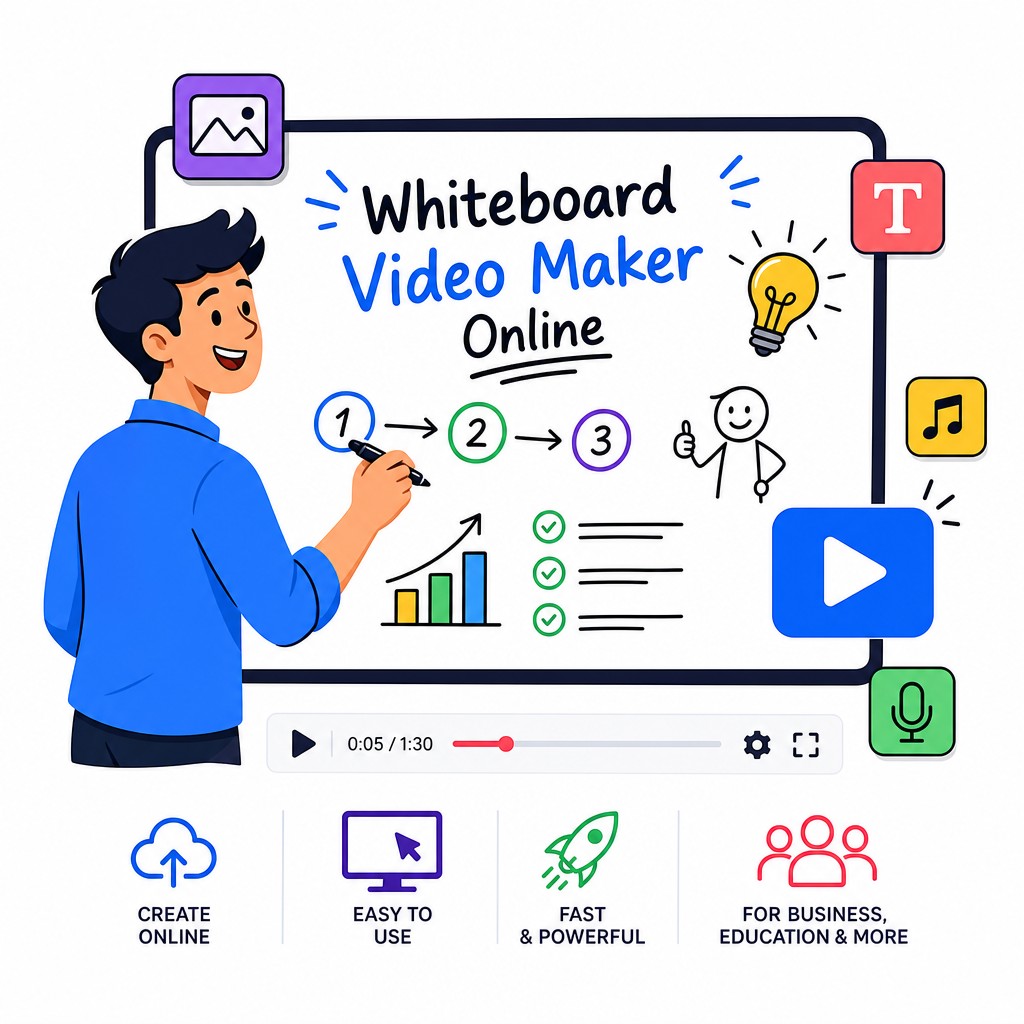
Whiteboard video maker online tool showing animated hand-drawn characters and scene editor for explainer videos

Everything You Need to
Make Whiteboard Videos That Work

Five powerful reasons creators, marketers, educators, and businesses choose Whiteboard Video Maker over every other option.

✏️

True Whiteboard Animation — Not Just Slide Templates

Unlike generic video editors that slap a "whiteboard theme" on a slideshow, Whiteboard Video Maker renders authentic hand-drawn animation in real time. Characters, props, text, and diagrams appear to be sketched on screen by an animated hand — the same effect you'd pay a professional studio to produce. You get smooth, natural draw-on animation for every element you add, creating the genuine whiteboard feel that audiences respond to. Choose from multiple hand styles, pen types, and drawing speeds to match your brand personality. The difference in engagement between a real whiteboard animation and a slide-based imitation is dramatic.

🎨

Massive Library of Characters, Icons & Scenes

A whiteboard video is only as good as its visual vocabulary. That's why Whiteboard Video Maker ships with an extensive library of animated characters, business icons, educational diagrams, infographic elements, speech bubbles, arrows, and scene backgrounds — all designed specifically for the whiteboard medium. Characters are fully expressive with multiple poses and facial expressions, letting you tell human stories that connect emotionally. You can also upload your own images and logos, which will be rendered with the same hand-drawn animation treatment. Whether you're creating a corporate training video, a product explainer, or a social media ad, you'll find the visual assets you need without hunting across multiple platforms.

🎙️

Built-In Voiceover & Auto-Sync

Narration transforms a whiteboard animation from a silent slideshow into a compelling story. Whiteboard Video Maker includes a professional text-to-speech engine with natural-sounding voices in multiple languages and accents — so you can script your video and generate narration instantly without recording equipment. Prefer your own voice? Upload a recorded audio file and our auto-sync engine will time the drawing animations to match your spoken words automatically. You can fine-tune timing with the visual timeline editor, add background music from the royalty-free sound library, and mix audio levels — all inside the same browser tab. The result is a polished, broadcast-ready video that sounds as good as it looks.

Fast Enough for Real Deadlines

Professional whiteboard animation studios quote turnaround times of two to six weeks. With Whiteboard Video Maker, you can go from a blank canvas to a fully rendered, shareable video in an afternoon. The intuitive drag-and-drop editor requires no tutorial to start — pick a template, customize the content, add your voiceover, and hit export. Templates are organized by use case (marketing, education, training, social media) so you're never starting from scratch unless you want to. Cloud rendering means your video is processed on our servers, not your laptop — no waiting, no overheating, no crashes. Download as MP4 for universal compatibility or share directly via a link. Fast, reliable, and built for the pace of modern content creation.

📱

Works on Any Device, Any Browser

Whiteboard Video Maker is a fully browser-based application — no downloads, no plugins, no operating system restrictions. It runs equally well on Windows, Mac, Linux, Chromebook, and even tablets. Your projects are saved automatically to the cloud, so you can start a video on your desktop at the office and finish it on your laptop at home. Collaboration features let team members view and comment on projects, making it practical for marketing teams, agencies, and educational institutions. Because everything lives in the browser, updates happen automatically — you're always using the latest version with the newest features and the most current asset library.

💰

Genuinely Accessible Pricing

The barrier to creating professional whiteboard videos shouldn't be a five-figure production budget. Whiteboard Video Maker offers a free tier that lets you create and export videos without spending a cent — ideal for trying the platform or for occasional creators. Paid plans unlock longer videos, HD and 4K export, premium assets, custom branding, priority rendering, and commercial licensing for client work. Every plan offers dramatically more value than hiring a freelance animator or a video production agency for the same output. Whether you're a solopreneur, a startup, a nonprofit, or an enterprise team, there's a plan that fits your scale and budget.

How to Make a
Whiteboard Video Online

Creating a professional whiteboard animation has never been simpler. Here's the exact process from blank canvas to finished video — no prior experience needed.

01

Sign Up & Choose a Template

Create your free account at whiteboard-video.com and browse the template library. Filter by industry, video length, or style. Select one that fits your message — or start from a blank canvas if you prefer full creative control. Templates include pre-built scenes, placeholder text, and suggested character positions, so you have a solid structure from the first click.

02

Add Your Content & Visuals

Replace placeholder text with your script. Drag characters, icons, and props from the library onto your scenes. Upload your logo or brand assets to integrate your identity. Rearrange scenes by dragging them in the timeline. Every visual element can be resized, repositioned, recolored, and animated independently — giving you precise control over your story.

03

Add Voiceover & Music

Type your narration script and choose a text-to-speech voice, or upload your own recorded audio file. Select background music from the royalty-free library and set the volume mix. Preview playback in real time and adjust animation timing to sync perfectly with your audio. Add sound effects to specific moments for extra impact.

04

Preview & Refine

Use the full-screen preview mode to watch your video exactly as your audience will see it. Fine-tune draw-on speeds, transition timing, and text duration. The visual timeline makes it easy to spot gaps or overlaps and fix them instantly. Invite a colleague to review via a shareable preview link before you finalize.

05

Export & Share

When you're happy, click Export. Choose your resolution — from 720p up to 4K — and our cloud renderer produces your finished MP4 in minutes. Download the file, share via a direct link, or publish directly to your connected social media accounts. Your video is ready for YouTube, LinkedIn, your website, email campaigns, or any platform that matters to your audience.

Get Started — It's Free

Who Uses Whiteboard Video Maker?

From solo educators to global brands, whiteboard animation serves a remarkably wide range of communication needs. Here are the most common and impactful use cases.

Marketing

Product Explainer Videos

Explain what your product does, who it's for, and why it matters — in 60 to 90 seconds. Whiteboard explainers placed on a landing page can dramatically increase the time visitors spend on the page and improve conversion rates. The draw-on animation style keeps viewers watching to the end, which means your full value proposition gets delivered.

Education

Online Course & eLearning Content

Educators and course creators use whiteboard videos to break down complex topics — mathematics, science, history, coding — into digestible animated lessons. The visual storytelling approach supports multiple learning styles simultaneously, improving comprehension and retention compared to text-only or talking-head video formats.

Corporate

Employee Training & Onboarding

HR and L&D teams use whiteboard animations to standardize training across distributed teams. A well-produced whiteboard video can communicate company values, compliance requirements, software tutorials, or process documentation in a format that employees actually engage with — reducing the time and cost of in-person training sessions.

Sales

Sales Enablement & Pitch Decks

Sales teams embed whiteboard videos in proposals, email sequences, and follow-up communications to stand out in crowded inboxes. A 90-second animated walkthrough of your solution's benefits is far more persuasive than a PDF attachment. It also ensures your message is delivered consistently, regardless of which rep sends it.

Social Media

Social Media Ads & Organic Content

Whiteboard-style videos stop the scroll on platforms like Instagram Reels, TikTok, LinkedIn, and YouTube. The distinctive aesthetic stands out from the sea of standard video ads. Short-form whiteboard content (15–30 seconds) works exceptionally well for brand awareness campaigns, while longer formats suit YouTube educational content and LinkedIn thought leadership.

Nonprofit

Awareness Campaigns & Fundraising

Nonprofits use whiteboard videos to communicate their mission, explain the problem they're solving, and show donors exactly how contributions create impact. The storytelling format is emotionally engaging without being manipulative — it builds understanding and trust, which are the foundations of donor relationships and campaign success.

What You Can Create With
Whiteboard Video Maker

The screenshots below show the Whiteboard Video Maker interface and the quality of animation you can produce — directly in your browser, without any specialist skills. From multi-scene explainers to single-concept social clips, the creative possibilities are genuinely broad.

Whiteboard Video Maker Online interface – drag-and-drop editor with hand-drawn animation timeline and character library
The Whiteboard Video Maker editor: intuitive drag-and-drop scene builder with real-time animation preview and a rich library of whiteboard-style assets.
Whiteboard animated explainer video example showing hand-drawn characters and business diagrams created with Whiteboard Video Maker Online
A finished whiteboard explainer video created entirely online — showing hand-drawn characters, animated diagrams, and professional text overlays.

Ready to create your own? Your first whiteboard video is completely free — no credit card required.

Create My Whiteboard Video

Why Whiteboard Videos Outperform Other Formats

The effectiveness of whiteboard animation isn't accidental — it's rooted in how the human brain processes information. When we watch something being drawn, our visual cortex tracks the movement of the pen or hand, which keeps our attention locked on the screen in a way that static images and talking-head videos simply don't achieve. This is sometimes called the "generative effect" in educational psychology: when we observe information being constructed piece by piece, we mirror that construction process internally, which deepens comprehension and memory encoding.

The minimalist aesthetic of whiteboard animation also removes visual distraction. Without competing backgrounds, complex motion graphics, or cinematic production elements, the viewer's cognitive resources are focused entirely on the message. This is particularly valuable for complex or technical subject matter — the simplicity of the medium actually amplifies the clarity of the content.

Whiteboard videos also benefit from the combination of visual and auditory channels. When narration and animation are synchronized — so that the drawing appears as the narrator speaks about it — dual-channel processing is activated, which cognitive load theory identifies as one of the most effective conditions for learning and persuasion. This is why well-produced whiteboard explainers consistently outperform equivalent text, image, or standard video content in A/B testing across industries.

For marketers, the implication is direct: whiteboard videos earn more watch time, generate stronger message recall, and produce higher conversion rates. For educators, the research is equally compelling: students who learn from whiteboard-style video instruction demonstrate better test performance and higher engagement than those using traditional text-based resources. Whiteboard Video Maker at whiteboard-video.com is built to help you harness these advantages without the traditional cost or complexity barrier.

Frequently Asked Questions About
Making Whiteboard Videos Online

Not at all. Whiteboard Video Maker is designed from the ground up for people who are not designers or animators. The entire interface is based on drag-and-drop interaction — you pick elements from the library, drop them onto your canvas, type your text, and the platform handles all the animation automatically. Templates give you a pre-built structure so you're never staring at a blank screen. If you can use a word processor and a web browser, you have all the skills you need to create a professional whiteboard video.
The time varies depending on the length and complexity of your video, but most users create their first complete whiteboard animation in one to three hours. If you're using a template, you can have a 60-second video ready to export in under an hour. A more detailed 3–5 minute training or explainer video might take a full working day to script, build, and refine. The cloud rendering process itself typically takes just a few minutes regardless of video length, so you're never waiting around for exports.
Yes, absolutely. You have two options for voiceover. First, you can record your own narration and upload the audio file directly to the editor — supported formats include MP3, WAV, and M4A. The auto-sync feature will align your animation timing to match your speech. Second, if you'd rather not record yourself, you can use the built-in text-to-speech engine: type your script, choose from a range of natural-sounding voices across multiple languages, and the platform generates professional narration automatically. You can adjust speaking pace, pitch, and emphasis to get exactly the tone you want.
Whiteboard Video Maker exports finished videos as MP4 files, which is the universally compatible format accepted by every major platform including YouTube, Vimeo, Facebook, Instagram, LinkedIn, TikTok, Wistia, and virtually every website video player. MP4 files are also easy to embed in presentations (PowerPoint, Keynote, Google Slides) and to attach to email campaigns. You can choose export resolution from 720p HD up to 4K Ultra HD depending on your plan. For those who need additional formats for specific workflows, please check the current export options on your account dashboard.
Commercial use is permitted on paid plans. If you're a freelancer, agency, or business creating whiteboard videos for client projects, advertising campaigns, or revenue-generating content, a paid subscription covers you for commercial licensing. The free tier is intended for personal, educational, and non-commercial use. We recommend reviewing the full licensing terms on the whiteboard-video.com website for the specific details of each plan, as the commercial rights are clearly spelled out for each tier.
It's one of the best tools available for educational video creation. Teachers, professors, tutors, and online course creators use Whiteboard Video Maker to produce lesson content, concept explainers, homework walkthroughs, and assessment guides. The platform includes educational-specific assets such as mathematical notation, scientific diagrams, historical timelines, and classroom scene elements. The whiteboard animation format is especially well-suited to education because it mirrors the traditional classroom experience of watching a teacher write on a board — a format that learners of all ages are immediately comfortable with and responsive to.
Most general-purpose online video editors are built around stock footage, photo slideshows, or basic motion graphics templates. They don't produce authentic whiteboard animation — they simulate it with filters or transitions, and the result looks cheap. Whiteboard Video Maker is purpose-built for the whiteboard animation format, which means every element of the platform — the asset library, the animation engine, the rendering pipeline, and the export quality — is optimized specifically for this style of video. The draw-on animation is genuine and smooth, the character library is designed for whiteboard aesthetics, and the voiceover sync is calibrated for the pacing of whiteboard storytelling. If you want to make a real whiteboard video (not a slideshow with a whiteboard filter), this is the right tool.

Your Next Great Video Starts
Right Now

Join thousands of creators, educators, marketers, and businesses who use Whiteboard Video Maker to communicate better, engage audiences deeper, and get results. Your first video is completely free — no credit card, no commitment.

Create Your Free Video → Explore whiteboard-video.com

No software to install  ·  No design skills needed  ·  Export your first video today