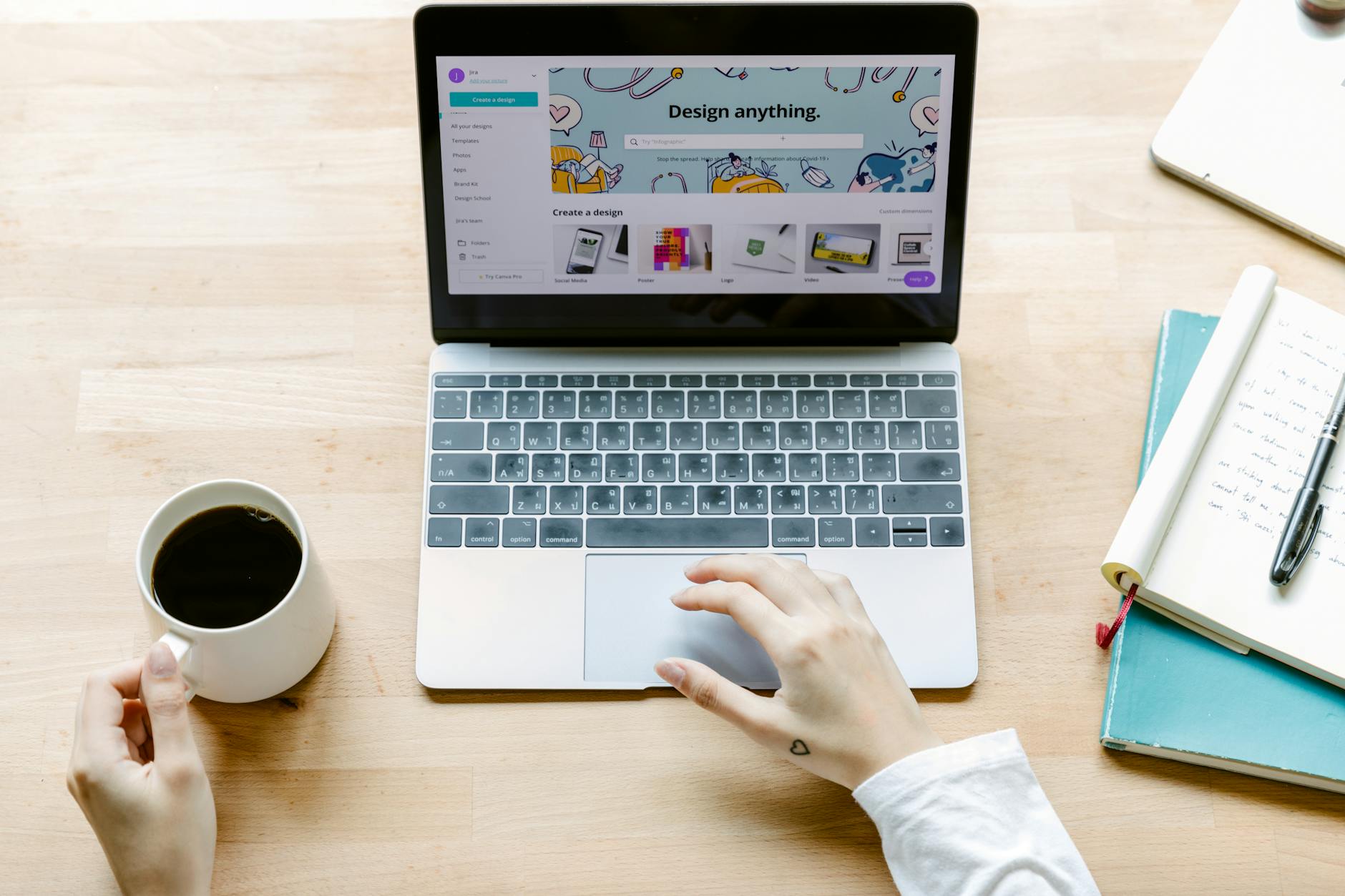
Verdict: Canva is a fantastic general design platform and can produce whiteboard-style videos — but it's a manual design tool, not an automated whiteboard-video maker. For a finished whiteboard video with minimal effort, a dedicated AI tool is faster and cheaper.
Best for: Designers who already use Canva and want everything in one place · Price: Free plan; Pro ~$12.99/month
What is Canva?
Canva is one of the most popular design platforms in the world, used for everything from social posts to presentations, printables and video. It's browser-based (with mobile apps), famously easy to pick up, and its free tier is generous enough that millions never pay.
For whiteboard videos specifically, Canva offers a Draw tool, element animations, and templates you can adapt into a hand-drawn look. So yes, you can make a whiteboard-style video in Canva — the question this review answers is whether it's the best way to, compared with a purpose-built tool.
Canva features
Canva's core strength is its library: millions of templates, elements, photos and fonts, plus a drag-and-drop editor that almost anyone can use. Its video editor supports scenes, transitions, element-level animation and timing, and the Draw tool lets you add hand-drawn strokes.
There are AI touches too — Magic Write can help draft text, and various Magic tools assist with images and design. Collaboration is excellent, with real-time editing and brand kits on paid plans.
What Canva doesn't do is generate a complete whiteboard video for you. There's no single step where you describe an explainer and get back a scripted, illustrated, narrated hand-drawn video. You assemble it: choose a template, place and animate elements, write the words, and add your own narration.

Canva pricing
| Plan | Price | What you get |
|---|---|---|
| Free | $0 | Generous, but premium assets locked |
| Canva Pro | ~$12.99/mo | ≈$119.99/year — premium assets and tools |
| Teams | ~$100+/yr per seat | Collaboration at scale |
Canva's free plan covers a lot, but premium elements, the background remover, brand kits and many animations require Canva Pro at roughly $12.99/month (about $119.99/year). Teams pricing is higher and billed per seat.
For occasional design work that price is easy to justify. For whiteboard videos specifically, remember the hidden cost: the design time per video, every time.
Pricing gathered from public sources in July 2026; check Canva's site for current prices.
Canva pros and cons
Pros
- Enormous template and asset library
- Very easy to learn; great for all-round design
- Strong collaboration and brand tools
- Generous free tier for general use
Cons
- Not a dedicated whiteboard-animation generator
- You design and assemble each video by hand
- No AI that scripts and narrates a finished video
- Best features need Canva Pro
A faster, cheaper alternative: Whiteboard Video
If your aim is a finished whiteboard video rather than a design project, Whiteboard Video is built for exactly that. You describe the video — or paste a prompt, URL, PDF or Word document — and the AI writes the script, draws an original illustration for every scene, animates it and adds a natural voiceover.
There's no canvas to design and no timeline to arrange. A complete video takes minutes, your first one is free with no watermark, and paid plans start at $9.99/month — below Canva Pro — so it's cheaper for whiteboard videos on both money and time.
| Whiteboard Video | Canva | |
|---|---|---|
| AI writes the script | Yes — AI writes it | Magic Write (assist) |
| Illustrations | AI-generated per scene | Templates + Draw |
| Voiceover | Yes, built-in AI voices | Limited |
| No manual timeline | Yes — fully automatic | No — manual design |
| Import PDF / URL / Word | Prompt, URL, PDF, Word | Limited |
| Free, no watermark | Yes — watermark-free | Yes (asset limits) |
| Time to first video | Minutes | Hours |
| Starting price | Free, then $9.99/mo | $12.99/mo Pro |
Where Canva makes you build the video, Whiteboard Video generates it. Free to start, no watermark, plans below Canva Pro.