✏️ AI-Powered · No Design Skills Needed

The Doodle Video Creator That Turns Words Into Hand-Drawn Magic

Type a topic. Our AI writes the script, sketches the hand-drawn animations and records a natural voiceover — all in minutes. The simplest doodle video creator free to start, no software to install.

✓ Free plan available  ·  ✓ No credit card required  ·  ✓ Export HD MP4

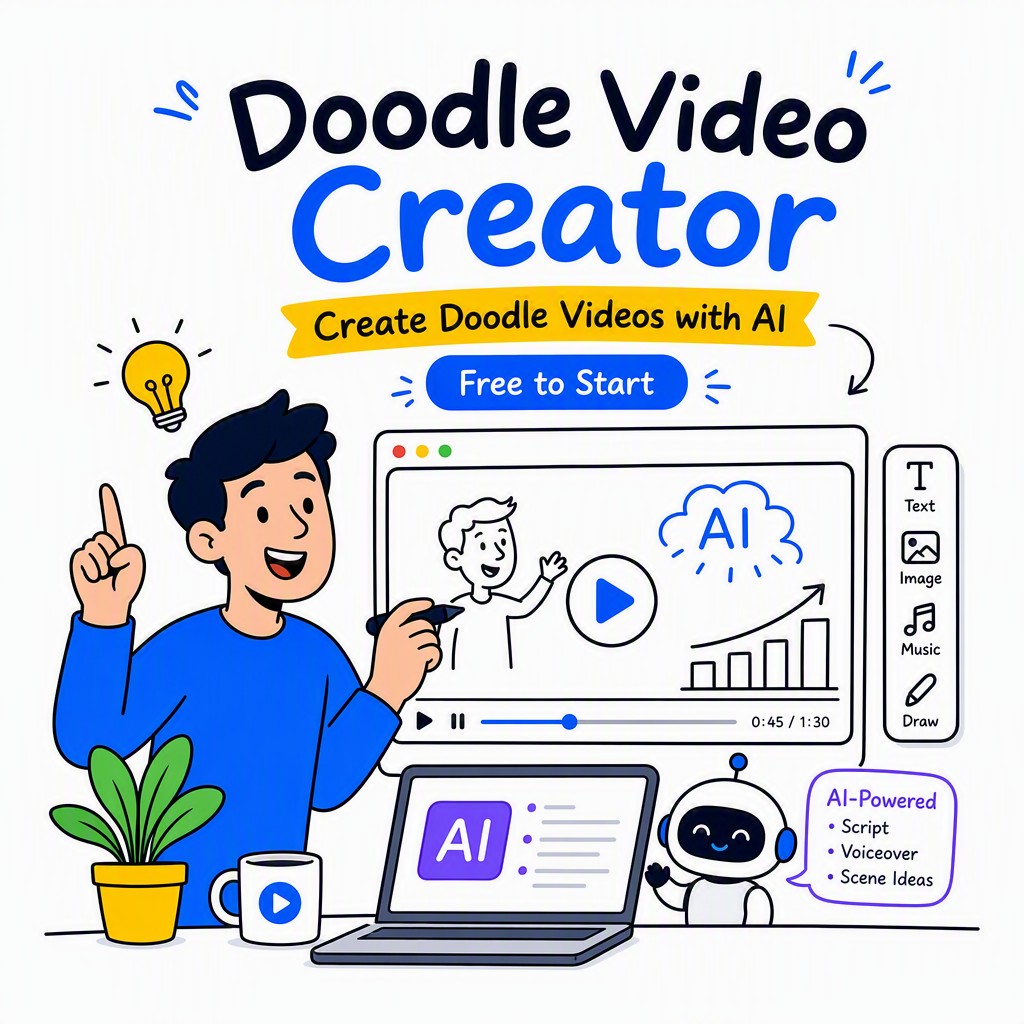
AI doodle video creator interface showing hand-drawn animation being generated automatically

What Is a Doodle Video Creator?

A doodle video creator is a software tool — increasingly powered by artificial intelligence — that automatically produces hand-drawn style animated videos. Instead of hiring an illustrator or spending weeks learning animation software, you provide a topic, script, or simple prompt. The tool generates scenes where a virtual hand sketches characters, diagrams, icons, and text onto a white (or coloured) background, synchronised with a voiceover or background music. The result is an engaging, explainer-style video that feels personal and approachable — the kind of content that holds viewer attention far longer than a static slide deck or a talking-head clip. Modern AI-powered doodle video creation tools like Whiteboard Video Maker go even further: they write the narration for you, pick fitting illustrations, add music, and deliver a finished MP4 you can publish immediately on YouTube, LinkedIn, or any learning platform.
Why Doodle Video Creation Outperforms Ordinary Content

There is a reason hand-drawn animation has been used in everything from corporate training to viral YouTube channels for decades: it reduces cognitive load. When a drawing appears stroke by stroke in sync with spoken words, the viewer's brain processes the visual and the audio together, forming stronger memory traces than text on a screen ever could. Studies in educational psychology consistently find that learner retention improves when information is delivered with concurrent narration and simple illustration — exactly what a good doodle video delivers.

The problem, historically, has been production cost and complexity. Commissioning a professional doodle animation could take weeks and cost hundreds or thousands of dollars. Even DIY whiteboard video apps required you to record yourself on camera, source clipart, and edit audio separately. Whiteboard Video Maker was built to remove every one of those barriers. You don't need a microphone, a drawing tablet, or a design background. You need an idea — and the AI handles the rest.

This is the core promise of an AI-powered doodle video creator free tier: you can test the entire workflow, produce a real video, and share it before you spend a single cent. That low barrier to entry means teachers, small business owners, content creators, and corporate trainers can all start creating doodle videos today — not next quarter after budget approval.

Try It Free Now
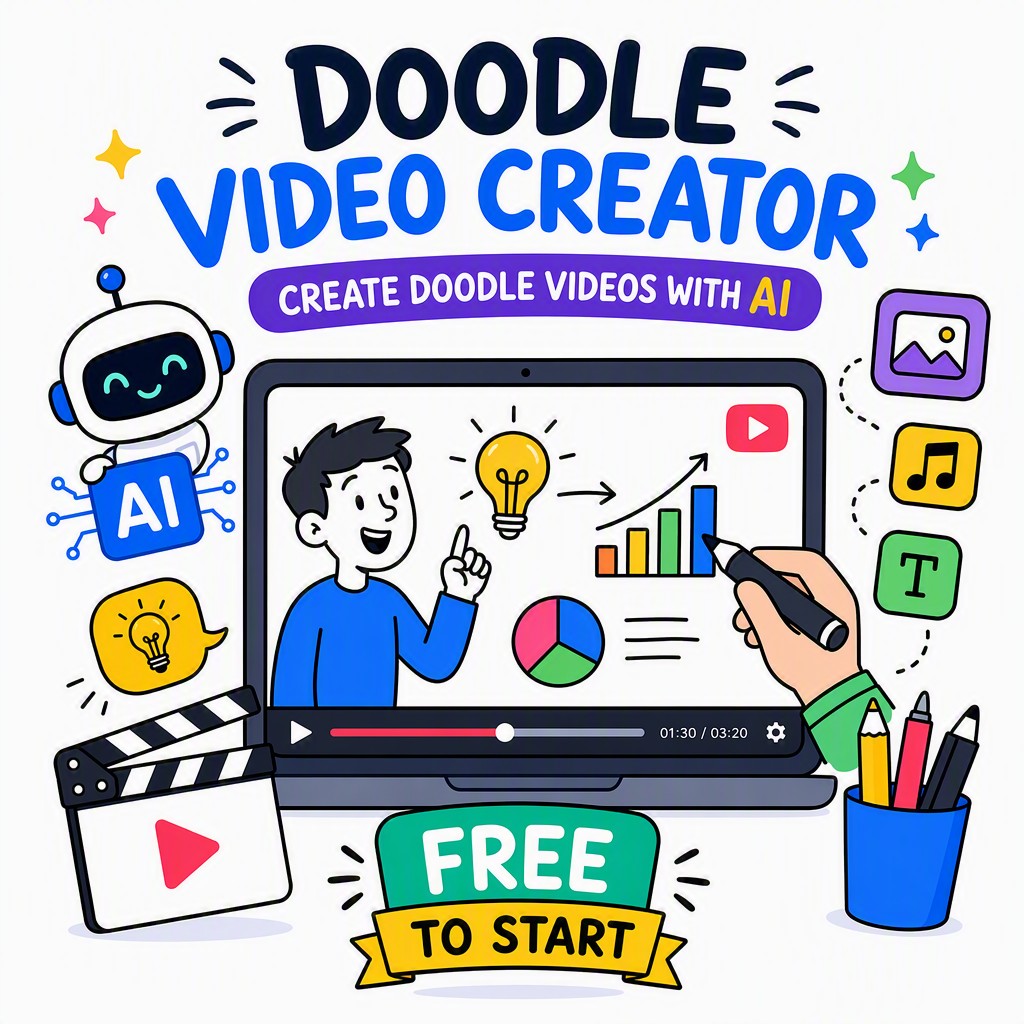
Example of a finished doodle video created with Whiteboard Video Maker showing hand-drawn characters and animated text

How Our Doodle Video Creator Works in 4 Simple Steps

Flat lay of intricate tattoo sketches and drawing tools on wooden table.
Photo: Pavel Danilyuk / Pexels

From blank page to finished MP4 — no design skills, no voiceover equipment, no timeline headaches. Here's exactly what happens when you start a project.

01

Type Your Topic or Paste a Script

Enter a subject — "How solar panels work", "5 tips for better sleep", or any topic you like. You can paste an existing script or let the AI write one from scratch. Either way, you're in control of the message.

02

AI Writes & Structures the Narration

The AI breaks your content into clear, scene-by-scene narration blocks — each one short enough to hold attention, long enough to explain the idea. It handles hooks, transitions, and a strong call to action automatically.

03

AI Generates Hand-Drawn Doodle Scenes

For each narration block, the engine selects and animates matching hand-drawn doodle illustrations — characters, arrows, icons, diagrams — drawn onto the canvas in real time. You can swap, reorder, or edit any scene in the built-in editor.

04

AI Voiceover + Export Your HD MP4

Choose a natural-sounding AI voice, pick background music from the royalty-free library, and hit Export. Your finished doodle video downloads as a full HD MP4 — ready to upload anywhere within minutes.

A Complete Doodle Video Creator — Every Feature Included

Close-up of a hand drawing a portrait using color pencils on paper.
Photo: Vitaly Gariev / Pexels

No add-ons, no hidden paywalls for basic tools. Here's what's built into every project.

AI Script Writer

Don't stare at a blank page. Type your topic and the AI produces a structured, engaging script — complete with an opening hook, clear body sections, and a closing call to action. You can edit every word, or accept it as-is.

Hand-Drawn Doodle Animation

Every scene uses authentic hand-drawn illustration style — strokes appear on screen as if a real artist is drawing in real time. The library contains thousands of doodle assets covering business, education, health, technology, lifestyle and more.

Natural AI Voiceover

Choose from a range of AI voices — male, female, varying accents and tones. The voiceover is automatically synchronised to your doodle animations, so the drawing and the narration always match without any manual timing adjustments.

Scene Editor

Need to reorder scenes, swap a doodle, change the text, or adjust timing? The drag-and-drop scene editor gives you full creative control without requiring any video editing expertise. What you see is what you get.

Backgrounds & Royalty-Free Music

Go beyond the classic white board — choose coloured backgrounds, textured paper, chalkboard, or branded colours. Pair your video with background music from a built-in royalty-free library. Safe to publish on YouTube without copyright strikes.

HD MP4 Export

Export your finished doodle video as a crisp 1080p MP4 file. No watermarks on paid plans. Compatible with YouTube, Vimeo, Instagram Reels, Facebook, LinkedIn, your LMS, or any website embed — universal format, professional quality.

Five Ways People Are Using Doodle Video Creation Right Now

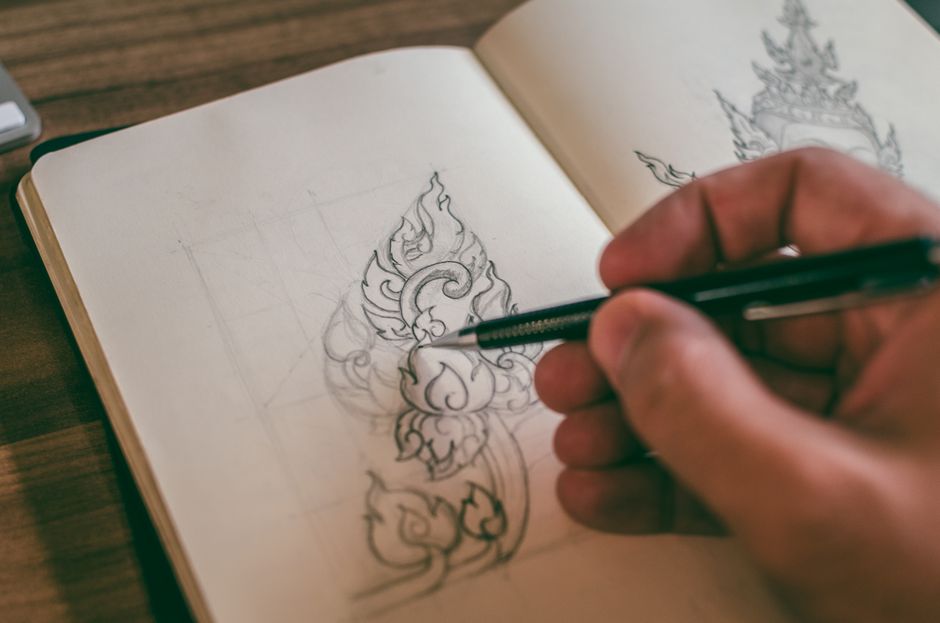
Close-up of a hand sketching detailed design in a sketchbook with mechanical pencil.
Photo: MESSALA CIULLA / Pexels

From a classroom in Minnesota to a startup pitch in Singapore — doodle videos travel everywhere.

Education & E-Learning

Teachers and course creators use doodle videos to explain complex concepts — from photosynthesis to algebra — in a format students actually watch to the end.

Marketing & Explainers

Marketers create doodle explainer videos to introduce products, explain pricing, or walk through a service — converting curious visitors into confident buyers.

YouTube & Social Content

YouTubers and content creators produce doodle-style educational or entertainment videos that stand out in feeds and earn strong watch-time metrics.

Corporate Training

HR and L&D teams turn onboarding documents, compliance guides, and process manuals into engaging doodle videos employees actually absorb and remember.

Social Media & Ads

Short doodle clips perform exceptionally well as Instagram Reels, TikTok explainers, LinkedIn posts, and paid social ads — thumb-stopping and shareable.

Manual Doodling vs. Using an AI Doodle Video Creator

Before AI-powered tools, creating a doodle video meant weeks of work and significant expense. Here's what changed.

Consideration Manual / Traditional Doodle Video AI Doodle Video Creator (This Tool)
Time to produce one video Days to weeks — storyboarding, illustration, recording, editing, syncing audio Minutes to a few hours, depending on length
Drawing skill required High — you need illustration ability or must hire an artist None — AI selects and animates all doodle assets
Voiceover recording Requires a microphone, quiet room, audio editing software AI voiceover built in, no equipment needed
Script writing You write everything from scratch or hire a copywriter AI writes and structures the full script for you
Cost per video Freelance animator: $300–$3,000+ per finished minute of video Free plan available; paid plans a fraction of freelance cost
Iteration speed Each revision cycle costs time and money — change requests are slow Edit any scene instantly in the browser, re-export in seconds
Software to install Video editor, audio recorder, illustration app — multiple tools 100% browser-based — nothing to download or install
Scalability Each new video is a fresh project with full production overhead Create as many videos as you need with the same simple workflow
Create Doodle Videos — Start Free

Start Free. Upgrade When You're Ready.

We believe the best way to earn your trust is to let you make a real video before asking for anything. Here's how the plans compare.

Free Plan

Doodle Video Creator Free

  • Create doodle videos up to 2 minutes
  • AI script writer included
  • AI voiceover included
  • Access to core doodle asset library
  • Export MP4 (with watermark)
  • No credit card required to start
  • Watermark on exported video
  • Limited export resolution
Paid Plans

Full Doodle Video Creation Power

  • Videos up to 30 minutes long
  • No watermark on exports
  • Full HD 1080p MP4 export
  • Full doodle asset & music library
  • Commercial use rights included
  • Priority rendering & support
  • Custom brand colours & logo
  • Unlimited projects
Start With the Free Plan →

Your Questions About Doodle Video Creation, Answered

How much does the doodle video creator cost?

There is a free plan that costs nothing to start, and it includes a genuine doodle video creation experience — AI script, hand-drawn animations, and AI voiceover. Paid plans unlock longer videos, HD export without watermarks, commercial use rights, and the full asset library. Pricing is designed to be accessible for individual creators, educators, and small businesses — visit whiteboard-video.com for current plan details.

Is there a genuinely free doodle video creator, or is "free" just a trial?

The free plan at Whiteboard Video Maker is a real, ongoing tier — not a time-limited trial. You can create doodle videos and export them for free. The main difference from paid plans is that free exports include a watermark and are capped at a shorter video length. No credit card is required to start, and you won't be automatically charged. Upgrade only when the free plan no longer meets your needs.

Will my doodle video have a watermark?

Videos exported on the free plan include a small watermark in the corner — this is how the free tier is sustained. When you upgrade to any paid plan, the watermark is removed entirely. Your exported MP4 will be clean and professional, suitable for client work, YouTube uploads, paid advertising, or any other commercial purpose.

How long can my doodle video be?

On the free plan, videos are capped at 2 minutes in length — which is actually ideal for social media clips, short explainers, and product teaser videos. Paid plans extend this significantly, up to 30 minutes, making them suitable for full e-learning modules, in-depth tutorial videos, corporate training content, and long-form YouTube videos.

Can I use the doodle videos commercially — for clients, ads, or YouTube monetisation?

Yes, on paid plans you receive full commercial use rights. This means you can use the doodle videos in client projects, run them as paid advertisements on any platform, publish them on monetised YouTube channels, embed them in products you sell, and include them in presentations you are paid to deliver. The royalty-free music included in the library is also cleared for commercial use. Please review the full terms on whiteboard-video.com for the complete licence details.

What video formats can I export?

The primary export format is MP4 (H.264), which is universally compatible with every major platform — YouTube, Vimeo, Instagram, TikTok, LinkedIn, Facebook, Wistia, Loom, learning management systems (LMS), and direct website embedding. MP4 is the industry standard for online video, and the files produced by the doodle video creator are optimised for fast streaming without sacrificing visual quality.

How long does it actually take to create a doodle video?

Most users complete their first doodle video — from typing a topic to downloading the finished MP4 — in under 15 minutes. The AI handles the slowest parts (script writing, illustration selection, voiceover generation, and rendering) automatically. A more polished video where you customise scenes, adjust timing, and fine-tune the narration might take 30–60 minutes. Either way, it's a fraction of the time required by traditional doodle video production methods.

Do I need to download or install any software?

No software installation is required. The entire doodle video creator runs in your web browser — on Mac, Windows, Chromebook, or Linux. You don't need video editing software, a drawing tablet, a microphone, or any specialist tools. All you need is a modern browser (Chrome, Firefox, Safari, or Edge) and an internet connection. The AI processing, rendering, and file delivery all happen on our servers, so even a modest laptop handles the workflow without any strain.

Your First Doodle Video Is Waiting — Start in 60 Seconds

No drawing ability. No voiceover equipment. No video editing experience. Just type what you want to say, and let the AI doodle video creator do the rest. Free to start, no credit card needed.

Create Doodle Videos Free →

Join creators, educators, and marketers using Whiteboard Video Maker at whiteboard-video.com

Live Examples

Doodle Videos Made With This Creator

Real doodle videos created with the AI doodle video creator at whiteboard-video.com. Press play to see the hand-drawn quality.

Doodle Video Example
How to Draw a Realistic Eye Step by Step

A step-by-step drawing tutorial rendered as an AI doodle animation — generated from a single prompt.

Doodle Video Example
Understanding Human Psychology

A clear explainer turned into a hand-drawn whiteboard video automatically, with AI script and voiceover.

Doodle Video Example
Fundamentals of Leadership

An engaging doodle-style explainer produced end-to-end by the AI — illustrations, narration and animation.

Get Started Free →