
Updated October 2026 · 8 min read
- choose a niche where animation helps explain (history, science, finance, self-improvement, stories);
- write a script with a strong hook in the first 10 seconds (about 150 words per minute);
- turn the script into animation with an AI animated video maker — it draws each scene for you;
- add a voiceover (AI voice or your own);
- create a clear thumbnail and title, and upload — then cut a vertical version for Shorts.
Why animated videos work on YouTube
Animated explainer channels are some of the biggest "faceless" channels on YouTube. Animation lets you explain things a camera can't film — inside the body, the history of an empire, how compound interest grows — and you never have to appear on screen. Whiteboard and doodle animation in particular holds attention because viewers watch each idea being drawn.
Step 1: Choose your niche and format
Pick a topic you can make 50 videos about. Niches that suit animation: history, science, psychology, personal finance, business stories, book summaries, explainers of current topics, kids' learning. Decide on a standard length — 6–12 minutes for long-form, under 60 seconds for Shorts — and a consistent style so your channel is recognisable.
Step 2: Write a script that keeps people watching
- Hook (0–10 s): a question, a surprising fact or a promise.
- Set up the story: what's at stake or what the viewer will learn.
- Body: one idea per scene, with open loops ("but that's not the strange part…").
- Payoff and call to action: answer the hook, then point to the next video.
Speed tip: give the AI your topic and audience and it drafts the script, or paste your own and it splits it into scenes. Our explainer script template also works well for YouTube.
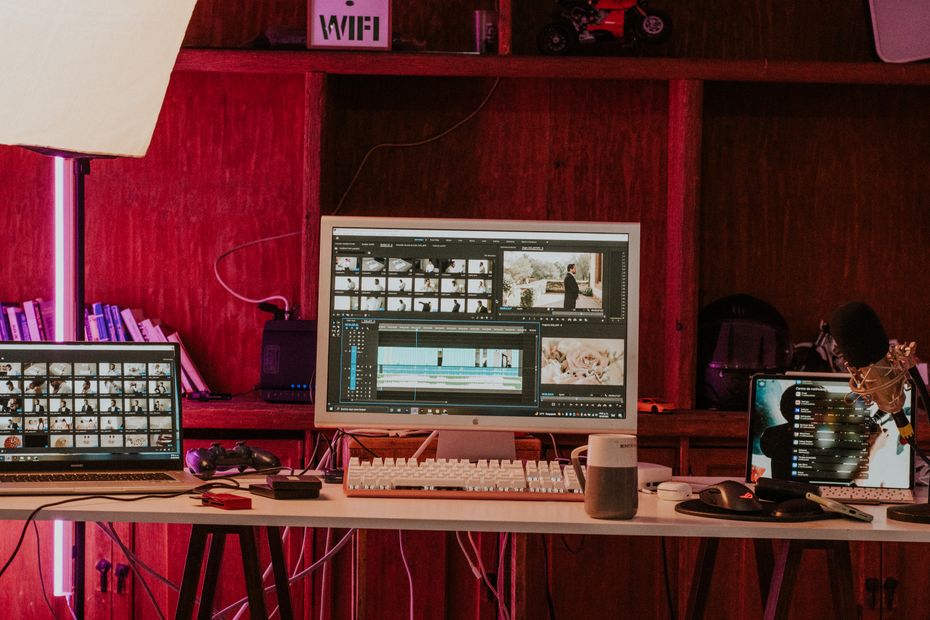
Step 3: Create the animation
You don't need After Effects or drawing skills. With Whiteboard Video:
- Paste your script or describe the video. Or upload a PDF, Word file or link as source material.
- Choose 16:9 for long-form or 9:16 for YouTube Shorts.
- Pick a voice. Natural AI narration in 15 languages — a channel can run in several languages.
- Generate and download. Every scene is illustrated and drawn by hand on screen, synced to the voice.
Step 4: Voiceover — AI or your own?
AI voices are the fastest way to publish consistently and to launch the same channel in other languages. If you'd rather use your own voice, record it cleanly and match the script. Either way, read the script aloud once before generating — anything you stumble on, viewers will too.
Step 5: Thumbnail, title and upload
- Title: promise the payoff ("Why Rome Really Fell"), under 60 characters.
- Thumbnail: one big image, 3 words max, high contrast.
- Description: two lines on what viewers learn, then chapters.
- Shorts: cut a 30–60 s vertical version of the best moment and link to the full video.

How much does it cost?
Hiring an animator for a 10-minute video can cost thousands. With AI it's about $0.60–$0.83 per finished minute on paid plans. Every account starts free: 1 AI-generated video, plus 5 free Studio videos every day where you write the script and add your own pictures or free stock photos. No credit card. Pricing is simple: 1 credit = 1 minute of finished video. Plans start at $9.99 a month (12 video-minutes), with one-off credit packs if you don't want a subscription. See pricing.
Common mistakes
- Slow intros — get to the point in 10 seconds.
- Scenes that run too long without a new visual.
- Uploading irregularly — pick a schedule you can keep.
- Ignoring Shorts, which bring new viewers to long-form videos.
Summary
- Pick a niche animation explains well, and a consistent style.
- Hook in 10 seconds; one idea per scene; ~150 words per minute.
- Use AI to animate the script and narrate it — no drawing or camera.
- Upload with a clear title and thumbnail, and cut Shorts from every video.