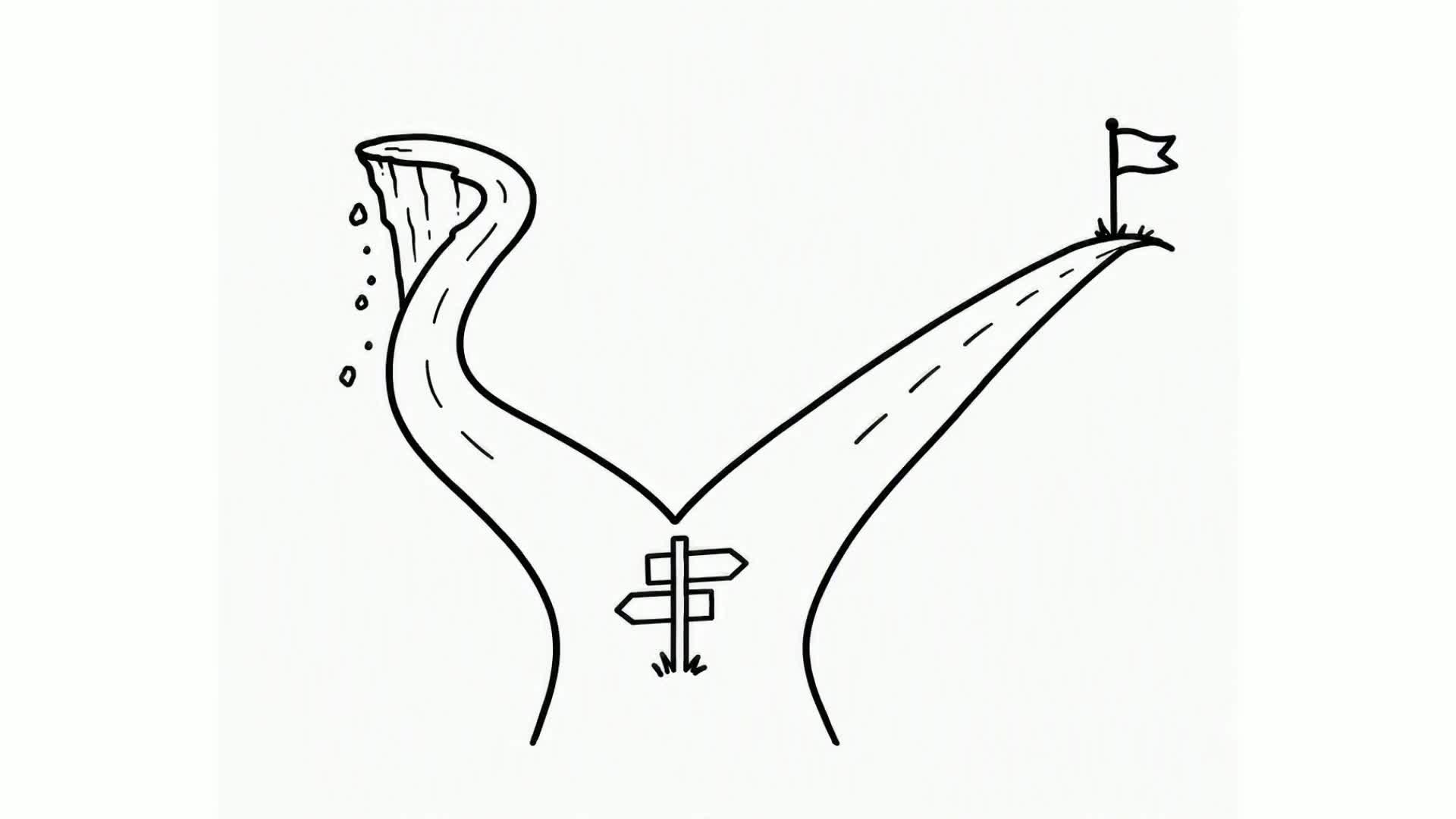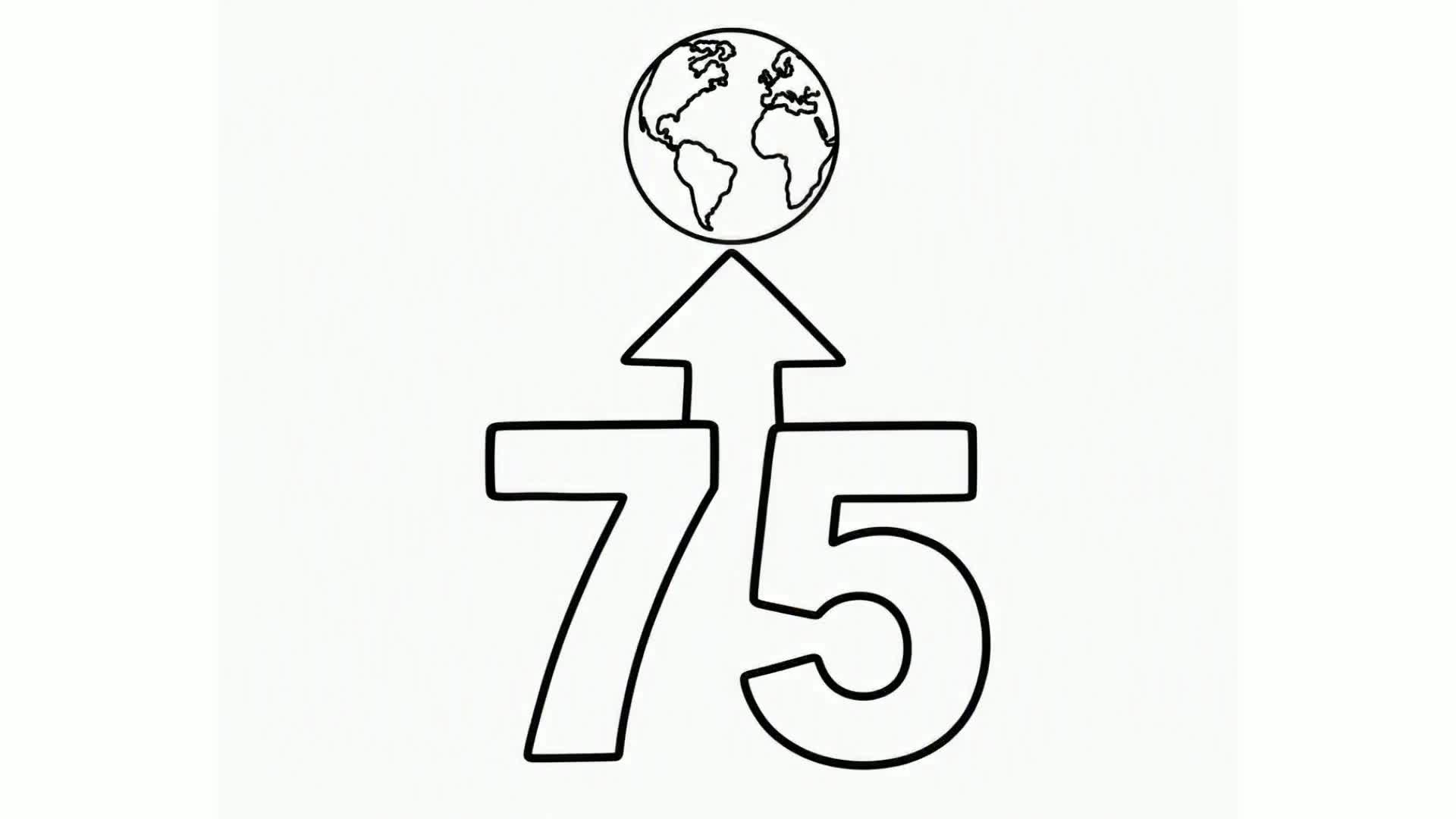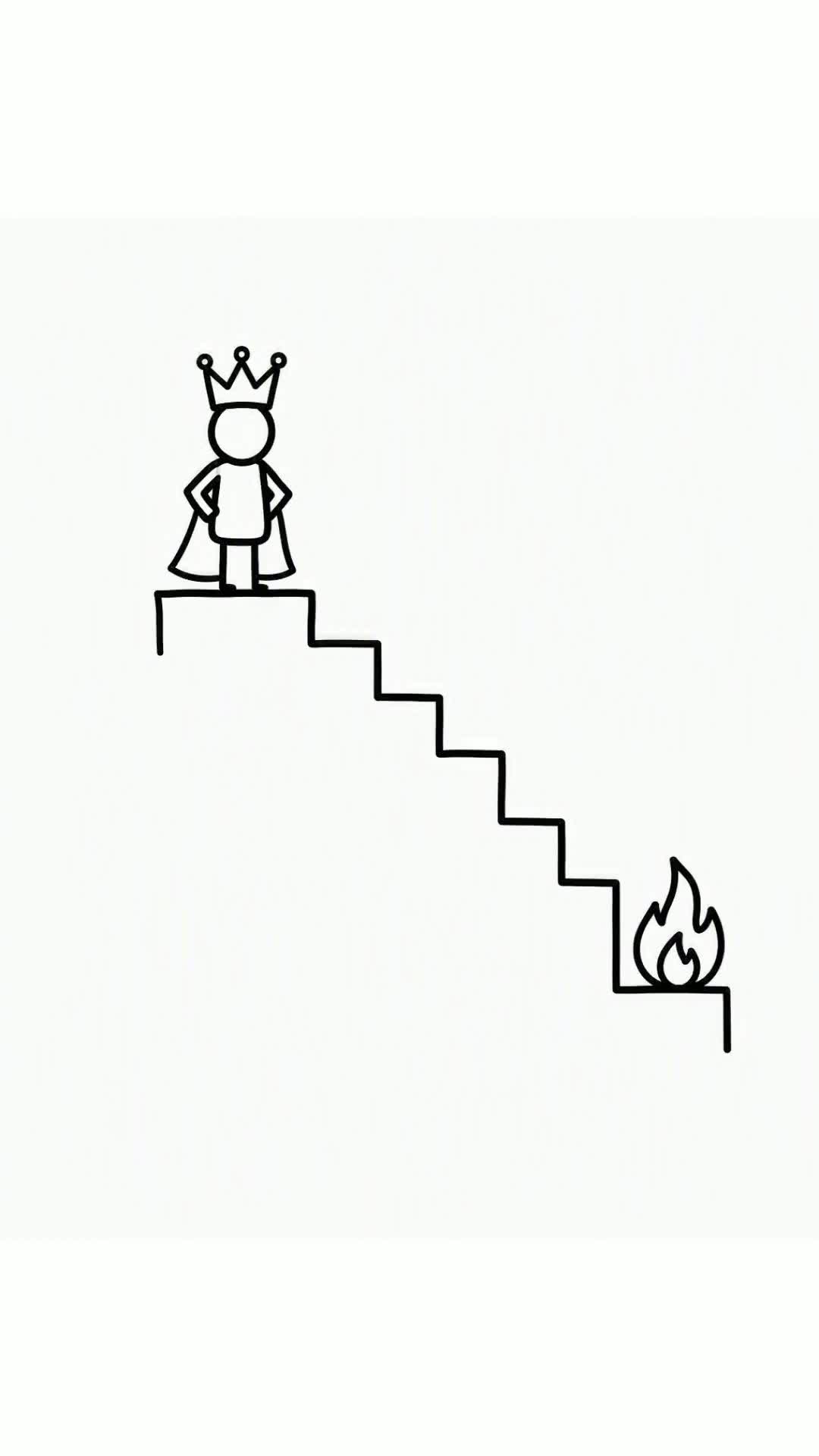
A doodle video is a hand-drawn animation where simple sketches appear on screen, drawn by a hand, while a voice explains the idea. It is the same family as whiteboard animation — 'doodle,' 'sketch' and 'whiteboard' videos all describe this drawn-on-screen style.
They are hugely popular for explainers, lessons and social content because the doodling keeps viewers watching. And the good news: you can make one for free without knowing how to draw.
This guide shows the free options and the fastest way — an AI doodle maker that writes, draws and narrates the video for you.
In this guide
What is a doodle video?
A doodle video shows simple, hand-drawn illustrations appearing one stroke at a time, synced to narration. Because ideas are literally drawn out as they are explained, even complex topics feel easy and fun to follow.
'Doodle video,' 'whiteboard animation' and 'sketch video' are largely the same thing — the difference is mostly the name. So any AI whiteboard maker can make your doodle videos too.
How to make a doodle video for free, step by step
The quickest free method uses the free tier of an AI doodle/whiteboard maker:
- Start free. Open Whiteboard Video and start — your first doodle video is free, no credit card.
- Describe your idea. Type what you want the doodle video to explain, or paste a URL, PDF or Word document.
- Pick a doodle style and hand. Choose the sketch style and the drawing hand that draws your illustrations.
- Choose a voice, language and orientation. Set the narration voice and language, and pick portrait for social or landscape for YouTube.
- Generate and download. The AI writes the script, doodles each scene and narrates it in minutes. Download it in HD, free.
- Earn more free credits. Share your doodle video on social media to earn extra free credits and keep making them.
The free ways to make doodle videos
Here is how the common free routes to a doodle video compare.
| Method | Effort | Time |
|---|---|---|
| Draw it yourself | Hard — you draw and film every stroke | Many hours |
| Timeline software (Powtoon, Animaker, VideoScribe…) | Medium — pick a template, place assets, time it | A few hours |
| AI (Whiteboard Video) | Easy — describe it, AI does the rest | Minutes |
You can doodle and film videos by hand, or use free apps and software — but those need drawing skill or manual editing. Phone apps that make doodle videos are typically ad-supported and credit-limited.
The fastest free route is an AI maker: describe the video and it doodles it for you. Free videos may carry a small watermark, removed on paid plans, but the free tier is enough to make and post short doodle clips — and sharing earns more free credits.
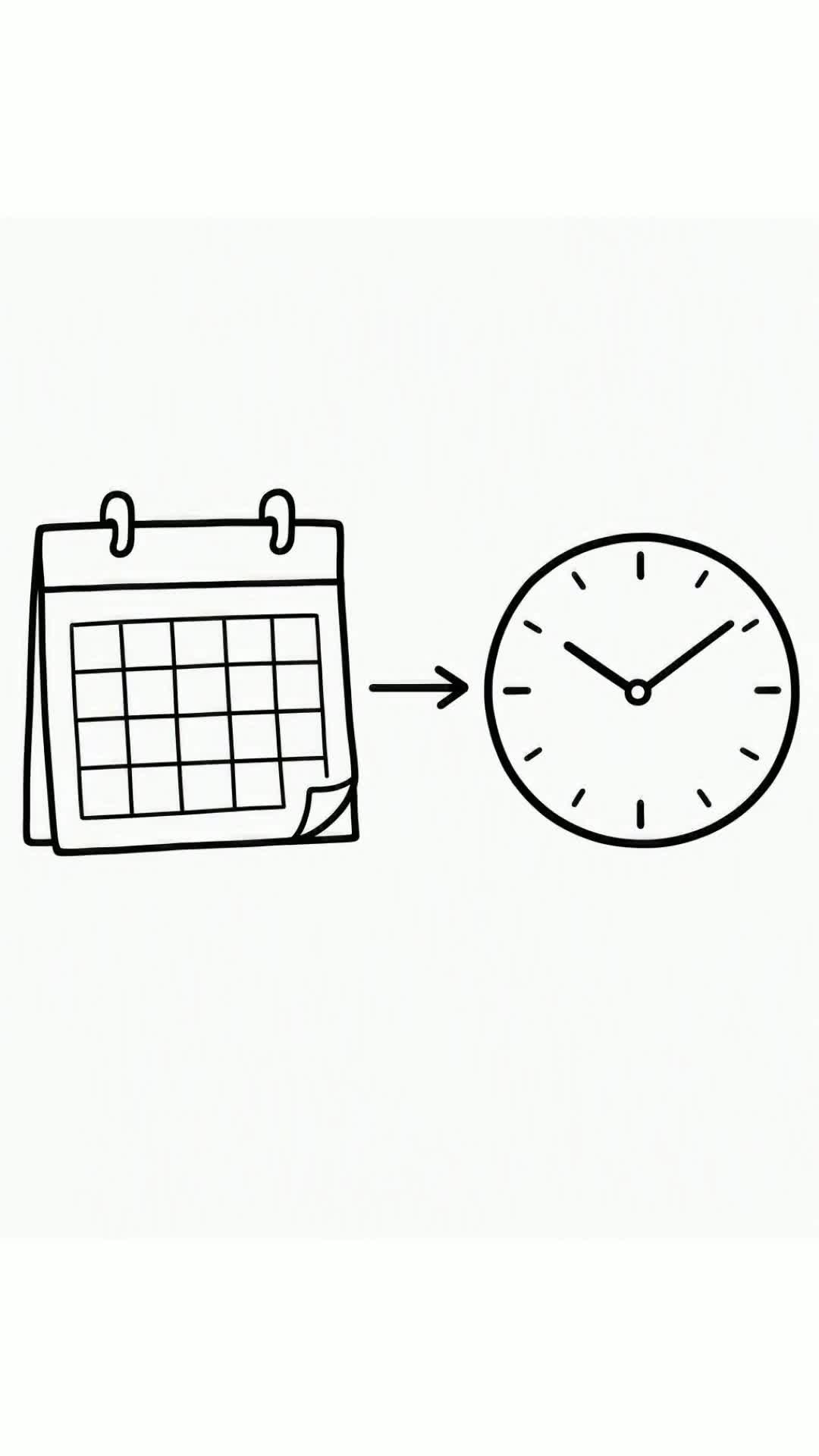
Real whiteboard animations made with AI
These were all generated on Whiteboard Video — script, hand-drawn scenes and voiceover, fully automatic. Click any to watch.
Tips for a great doodle video
- One idea per scene keeps doodle videos clear and satisfying to watch.
- Keep the script conversational and the pace brisk — around 130–150 words per minute.
- Short doodle clips (under 90 seconds) perform best on social platforms.
- Use portrait orientation for TikTok, Reels and Shorts.
- Regenerate for free until the doodles and narration match your idea.
Free vs paid doodle videos
The free tier lets you make real doodle videos to test and post, with a small watermark. To remove the watermark, make longer videos and get more monthly renders, paid plans start at $9.99/month:
| Plan | Price | What you get |
|---|---|---|
| Free | $0 | Your first video free (small removable watermark) |
| Starter | $9.99/mo | 15 videos / month · up to 5 min · no watermark |
| Pro | $19.99/mo | 35 videos / month · up to 10 min · no watermark |
| Ultra | $60/mo | 100 videos / month · commercial licence |
Why AI is the easiest free doodle maker
Making doodle videos by hand or in an app means you do the drawing. An AI doodle maker removes that — you describe the idea and the sketches, script and voiceover are generated for you in minutes.
It is free to start, with no drawing skills and no credit card, and revisions re-render for free.
Because you can earn credits by sharing your doodle videos, you can keep making them free beyond the first one.