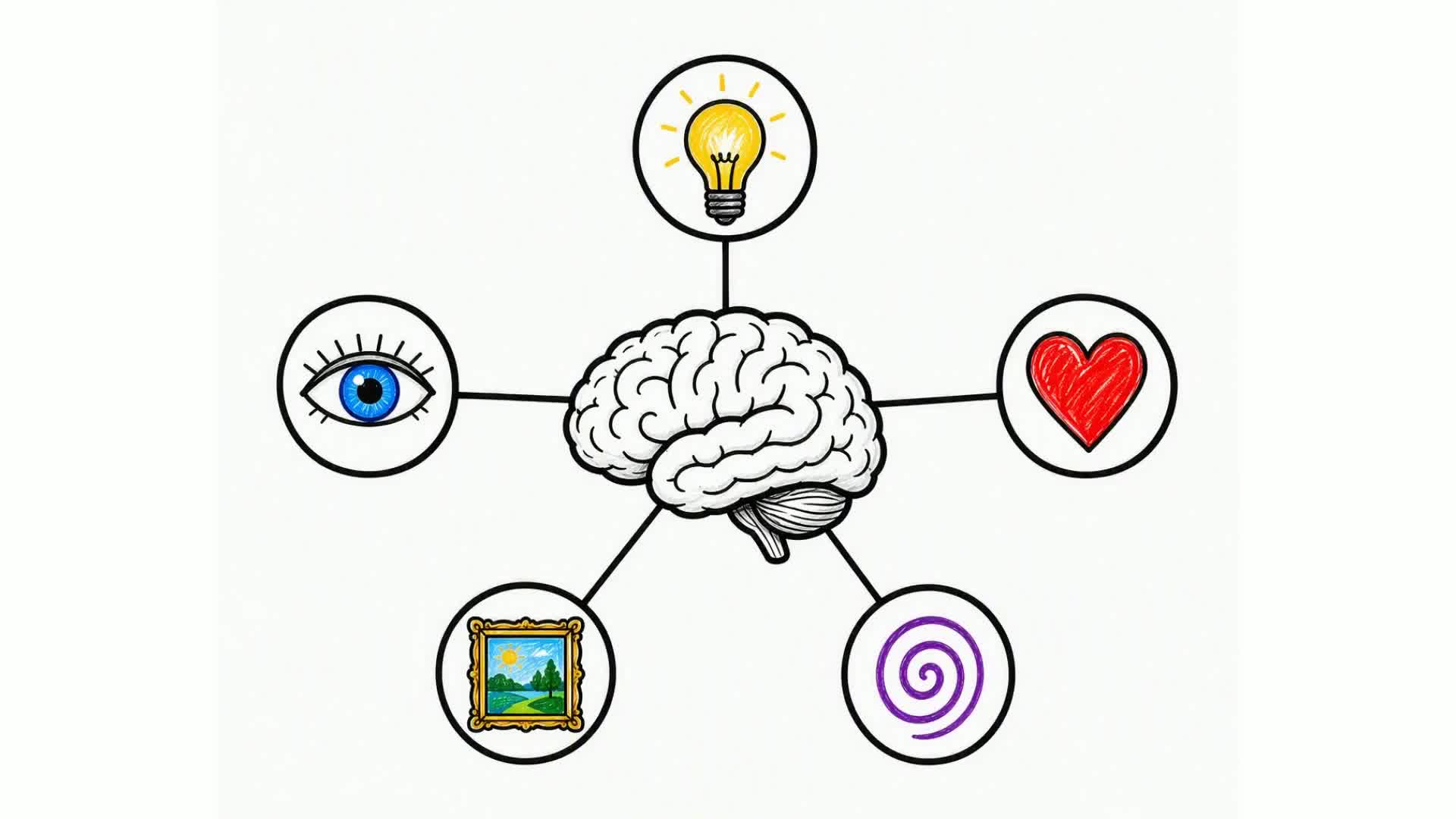
A whiteboard animation is that hand-drawn, sketched-on-a-whiteboard style where illustrations appear stroke by stroke as a voice explains the idea. They are one of the most watched formats for explainers, lessons and social videos because the drawing keeps people watching to see what appears next.
The traditional way to make one is slow: you either draw and film every element by hand, or you learn timeline software and place and time each asset yourself. Either way it is hours of work.
This guide shows the fast way — using AI to generate the entire whiteboard animation from a simple description — and also explains the manual options so you can choose what fits.
In this guide
What is a whiteboard animation?
A whiteboard animation (also called a doodle or sketch video) shows a hand drawing simple black-and-white illustrations on a white background, synced to a narrated script. Ideas build up visually as the hand sketches them, which makes complex topics easy to follow.
They work for explainer videos, online courses, YouTube lessons, product demos and social clips. The style is friendly, clear and cheap to produce compared with live action or full animation — especially when AI does the drawing for you.
How to make a whiteboard animation, step by step
Here is the fastest method, using an AI whiteboard maker. The whole thing takes a few minutes:
- Open a whiteboard video maker. Go to Whiteboard Video and start free — your first video is on us, no credit card needed.
- Describe your idea. Type a prompt like “Explain how photosynthesis works for 5th graders,” or paste a URL, PDF or Word document to turn into a video.
- Choose landscape or portrait. Pick 16:9 for YouTube or 9:16 for Shorts, Reels and TikTok.
- Pick a style, drawing hand and voice. Choose the sketch style, the hand that draws, and a narration voice and language (or let it auto-detect the language from your text).
- Set the length. Choose how long the video should be, or just write the length into your prompt (e.g. “a 60-second video”).
- Optionally review and edit the script. On paid plans you can preview the AI-written script and tweak each scene before rendering, so it says exactly what you want.
- Generate and download. Hit generate — the AI writes the script, draws each scene and narrates it. In minutes you can download the finished video in HD.
Two ways to make a whiteboard animation
There are really two routes: do it manually, or let AI generate it. Here is how they compare.
| Method | Effort | Time |
|---|---|---|
| Draw it yourself | Hard — you draw and film every stroke | Many hours |
| Timeline software (Powtoon, Animaker, VideoScribe…) | Medium — pick a template, place assets, time it | A few hours |
| AI (Whiteboard Video) | Easy — describe it, AI does the rest | Minutes |
Drawing it yourself gives total control but takes real artistic skill and a lot of time. Timeline tools like Powtoon, Animaker or VideoScribe are faster than drawing by hand, but you still choose a template, place every asset and time the animation and narration yourself — often a few hours per video.
AI generation flips that: you describe the video and the tool writes, draws and narrates it for you in minutes, then lets you re-render tweaks for free. For most people making explainers or lessons, that is the practical choice.
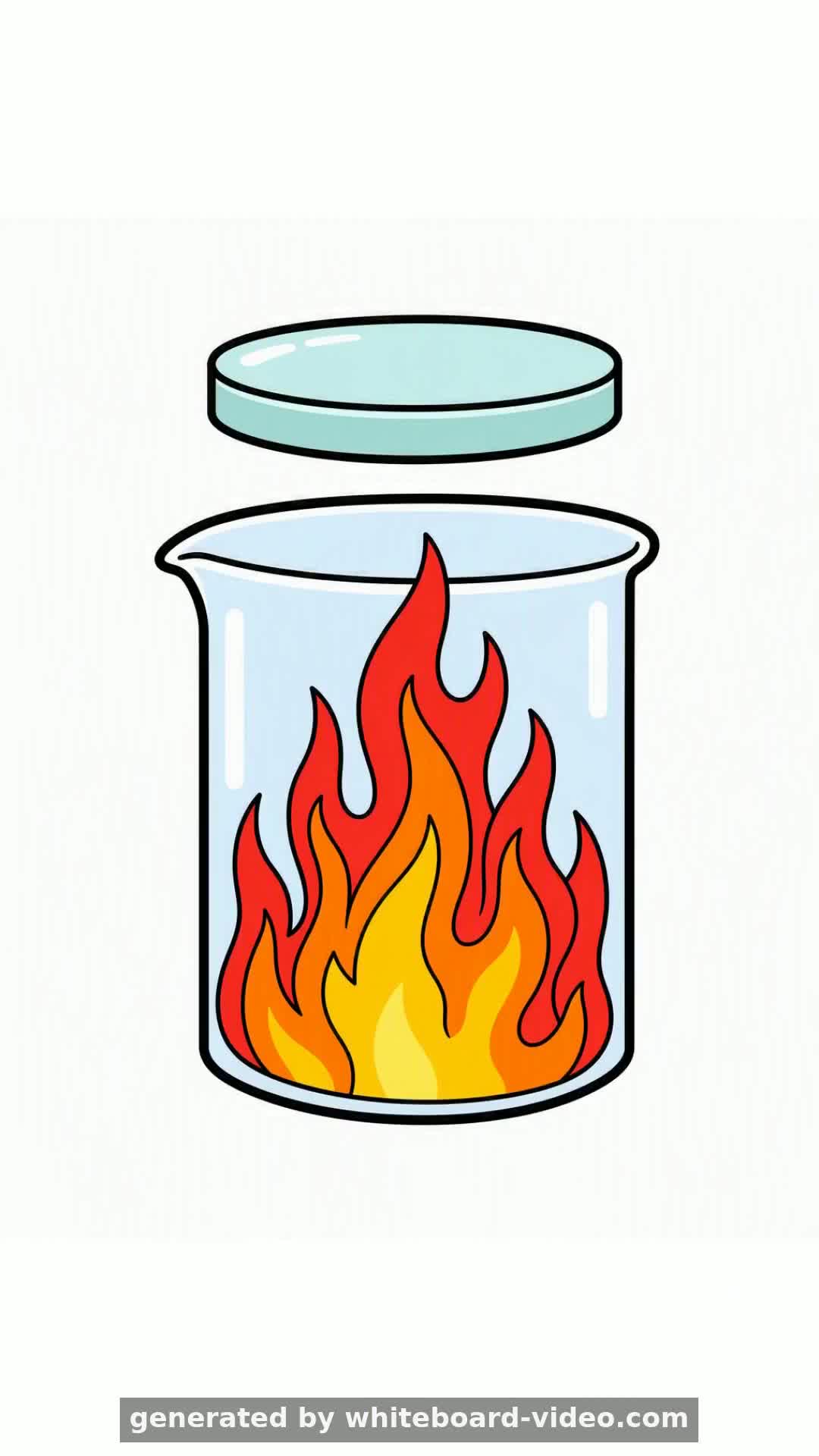
Real whiteboard animations made with AI
These were all generated on Whiteboard Video — script, hand-drawn scenes and voiceover, fully automatic. Click any to watch.
Tips for a great whiteboard animation
- Keep one idea per scene — whiteboard videos are clearest when each sketch illustrates a single point.
- Write (or prompt for) a conversational script; aim for about 130–150 words per minute of narration.
- Open with a hook or a title scene so viewers know what they are about to learn.
- Match the orientation to the platform: landscape for YouTube, portrait for Shorts, Reels and TikTok.
- Keep it tight — 60–90 seconds holds attention better than a long lecture for social and marketing use.
- Review the script before you publish; with AI you can regenerate or edit scenes for free until it is right.
Can you make a whiteboard animation for free?
Yes. Whiteboard Video is free to start — your first video is free (with a small removable watermark), and you can earn more free video credits by sharing your videos on social media. For a full walkthrough of the no-cost options, see our guide on how to make whiteboard animation for free.
Paid plans remove the watermark, unlock longer videos and give you more monthly renders:
| Plan | Price | What you get |
|---|---|---|
| Free | $0 | Your first video free (small removable watermark) |
| Starter | $9.99/mo | 15 videos / month · up to 5 min · no watermark |
| Pro | $19.99/mo | 35 videos / month · up to 10 min · no watermark |
| Ultra | $60/mo | 100 videos / month · commercial licence |
Why AI is the easiest way to make one
The old bottleneck in whiteboard animation was the drawing and the timing. AI removes both — you supply the idea, and the script, the illustrations and the voiceover are generated for you.
It is also the cheapest route: no illustrator, no editing suite and no hours of your time. A finished, narrated whiteboard animation comes back in minutes, and revisions re-render instantly and free.
That means you can make a whiteboard animation today, from a single sentence, without ever picking up a pen.